 Get AI Photo Editor
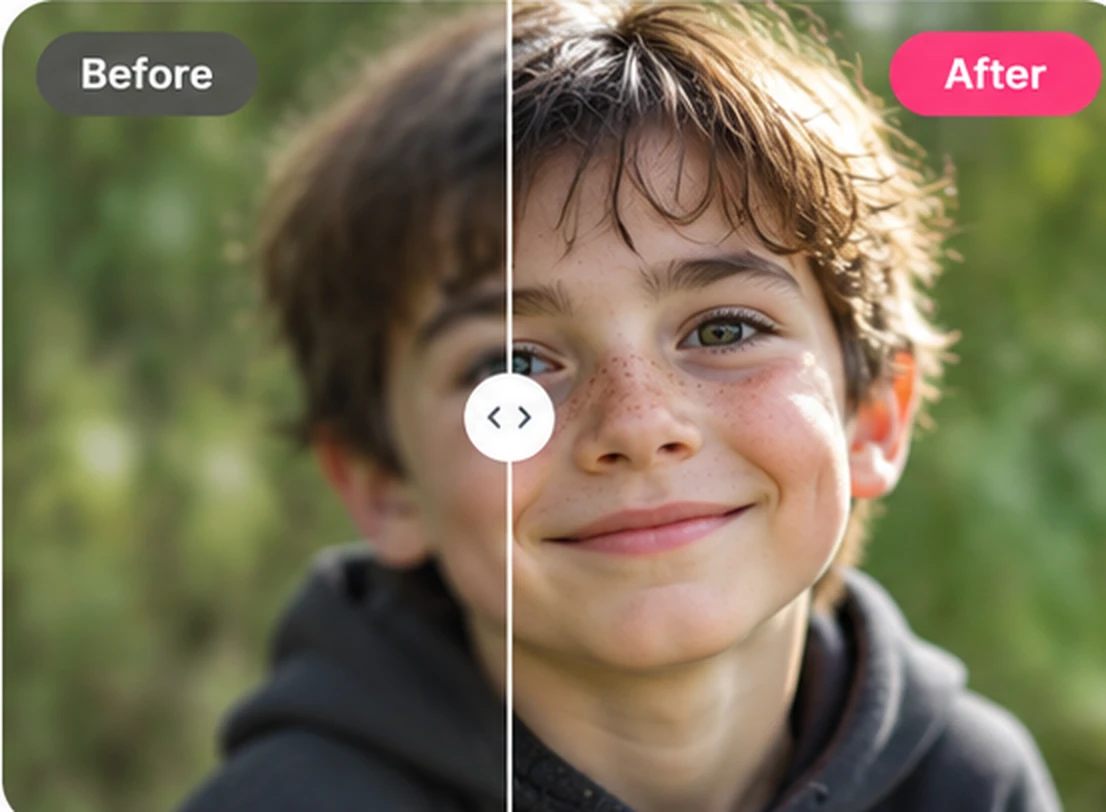
Improve apparent sharpness
Bring out definition in slightly soft photos and ask for clearer-looking details, without an exaggerated sharpened effect.
Improve lighting, clarity and colors automatically. Upload your photo, generate an enhancement, and compare it with the original before you download.
Click to upload or drag your image here
Your photo stays in your browser until you generate.
10 free trial credits · GPT Image 2.6 · Medium
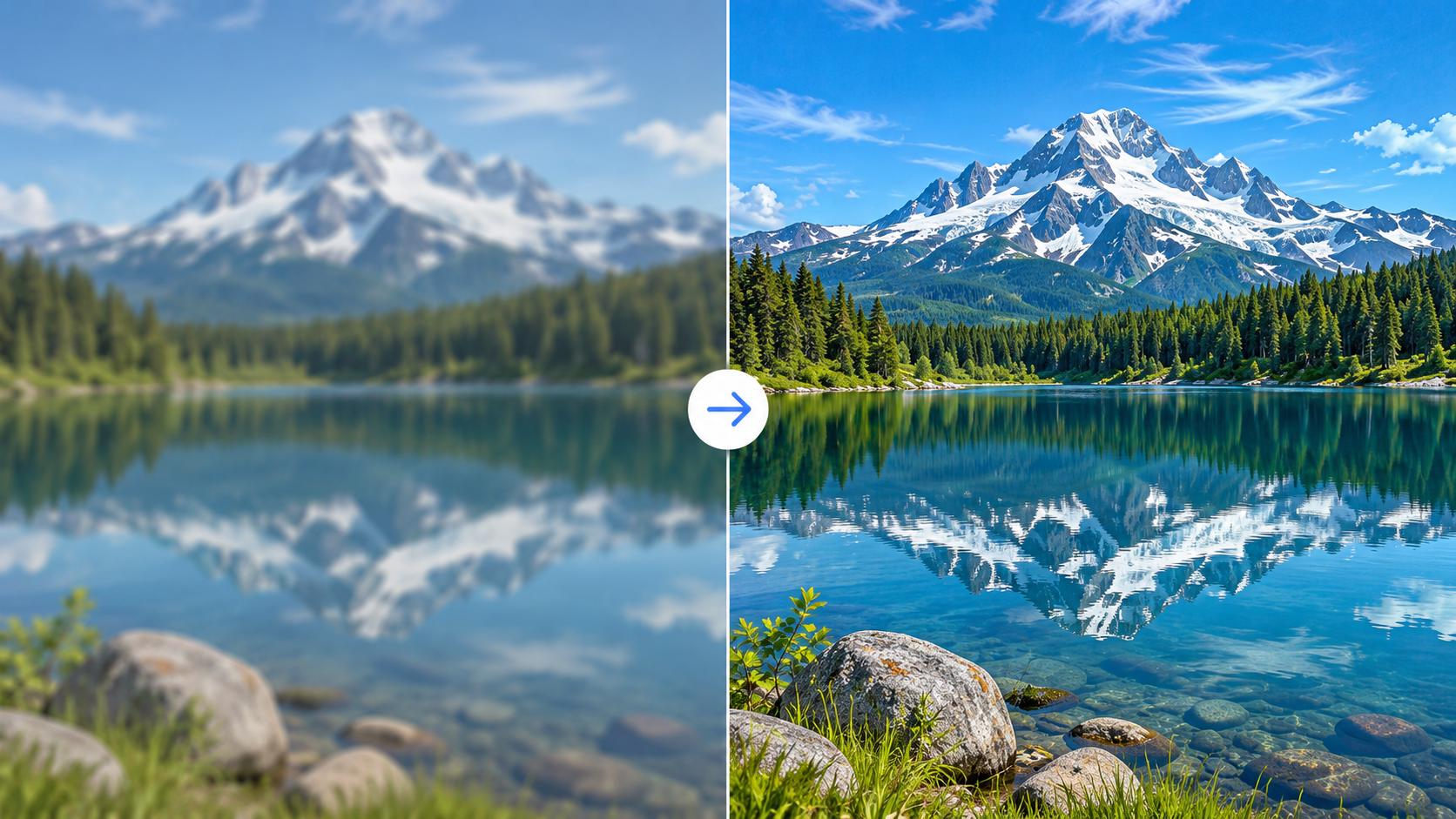
Upload your photo to replace this example.
Photo quality enhancement
Ask for clearer details, more balanced light, or more natural color. Results are generative: inspect faces and fine details against the original.
Bring out definition in slightly soft photos and ask for clearer-looking details, without an exaggerated sharpened effect.
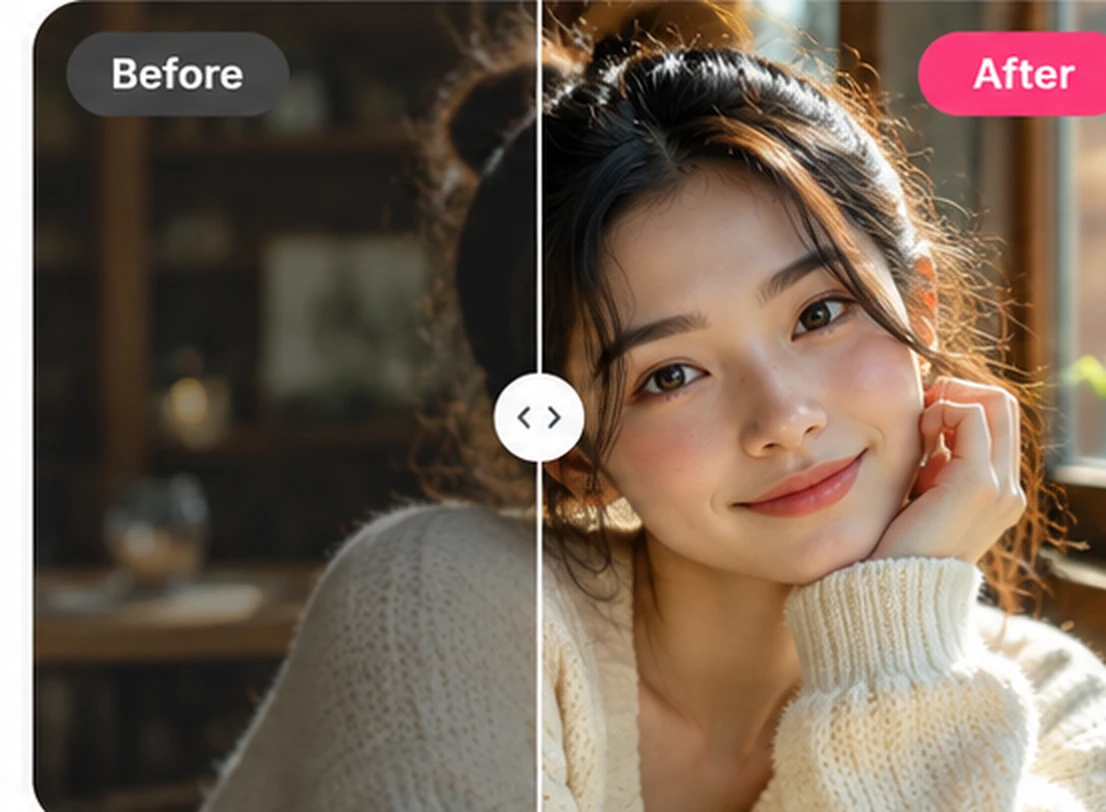
Brighten dim photos, soften harsh contrast and make the subject easier to see while keeping the mood of the original.
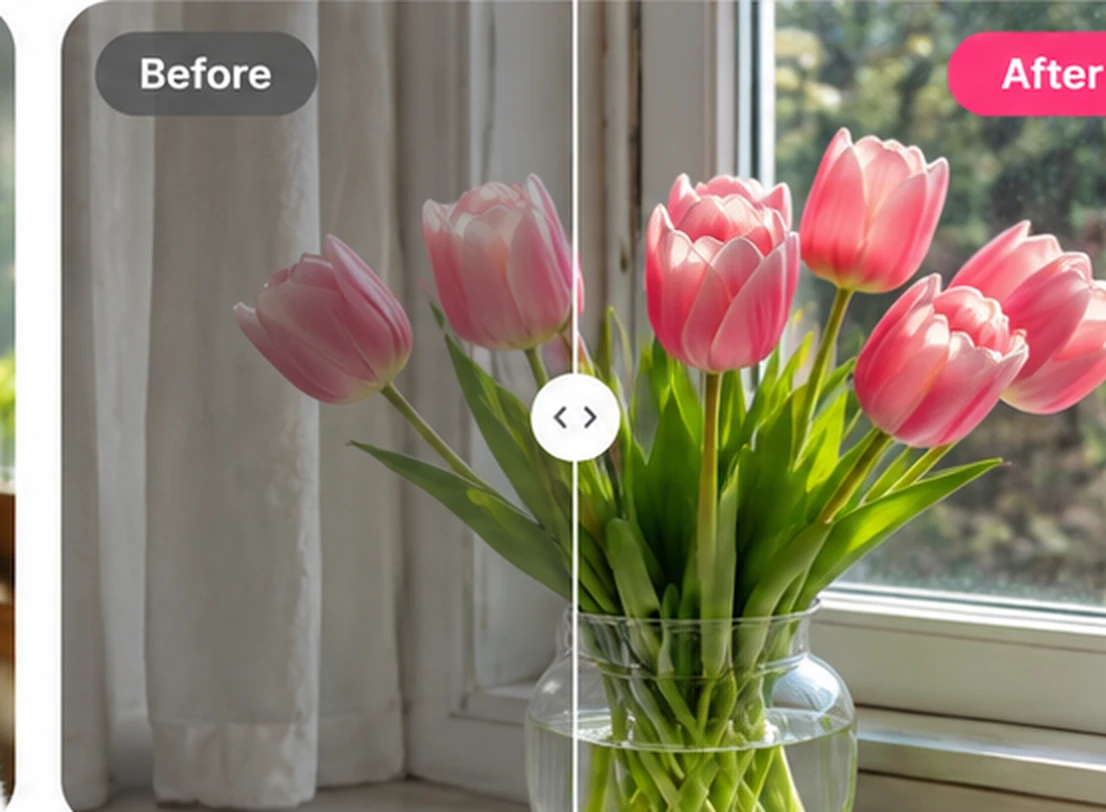
Correct dull or uneven colors, adjust white balance and keep skin tones and product colors as faithful as possible.
Everyday use cases
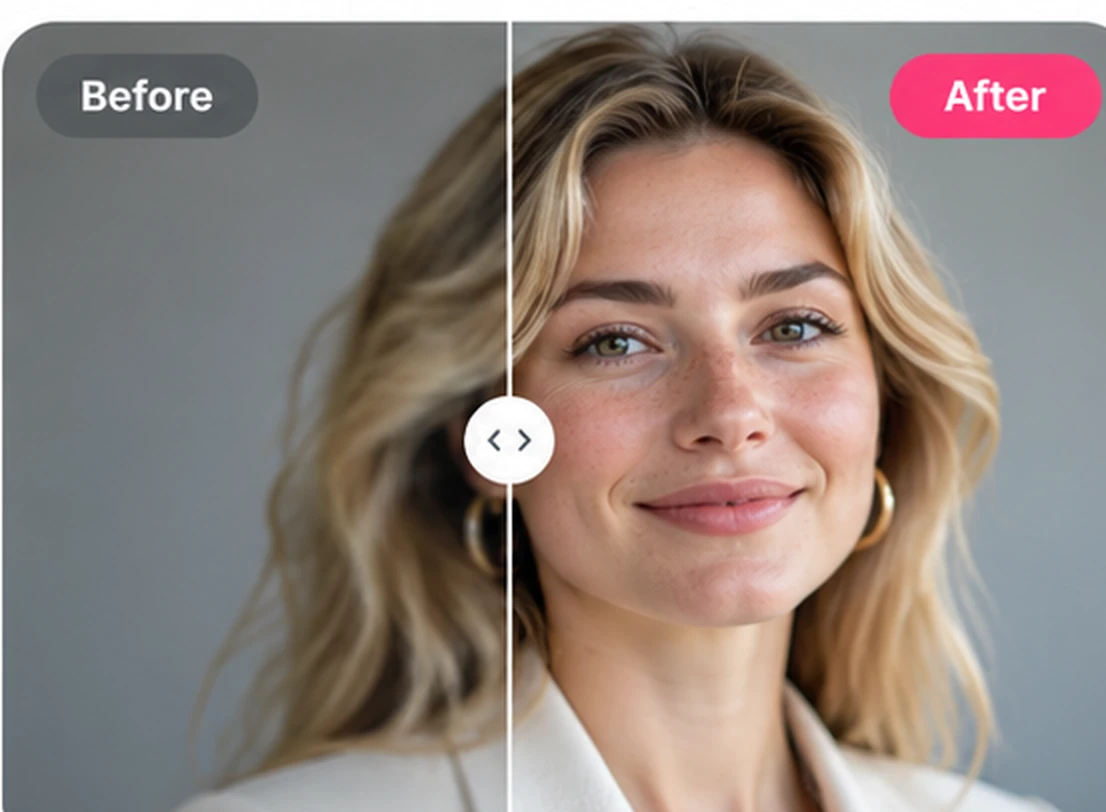
Make lighting more flattering and improve clarity while asking AI to preserve the person’s identity, expression and natural skin texture.
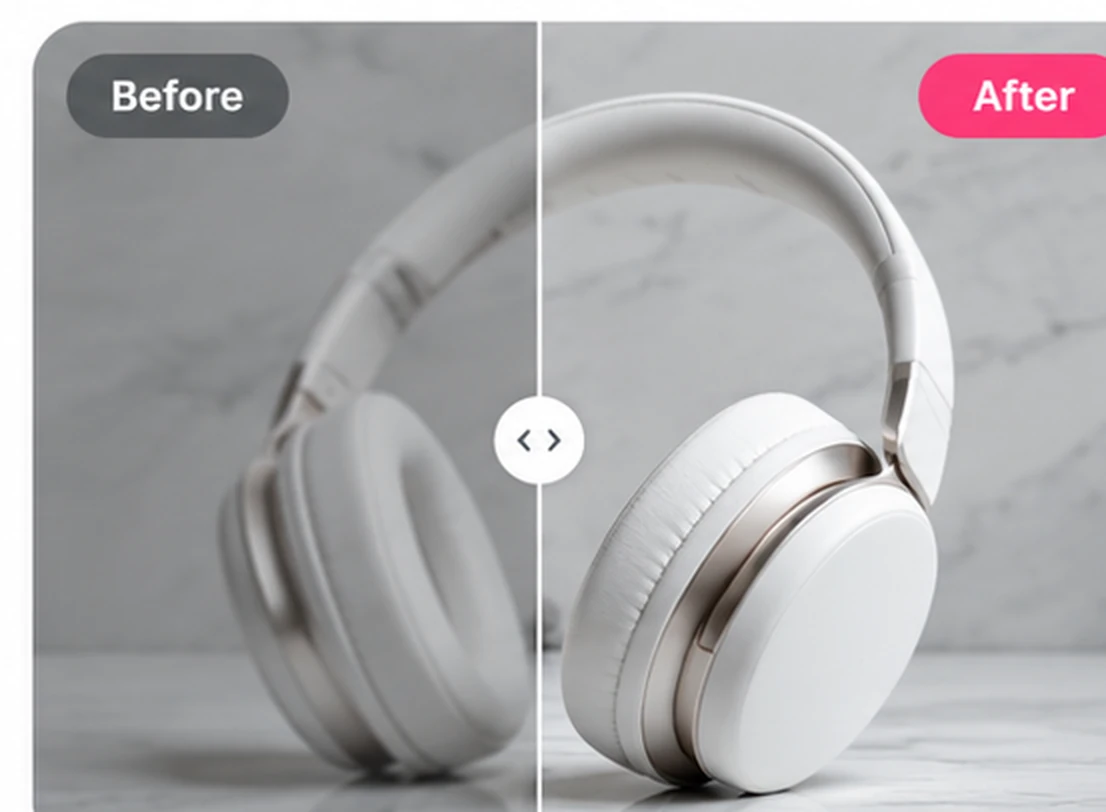
Improve visual clarity, exposure and color for listings without intentionally changing the shape, branding or design of the product.
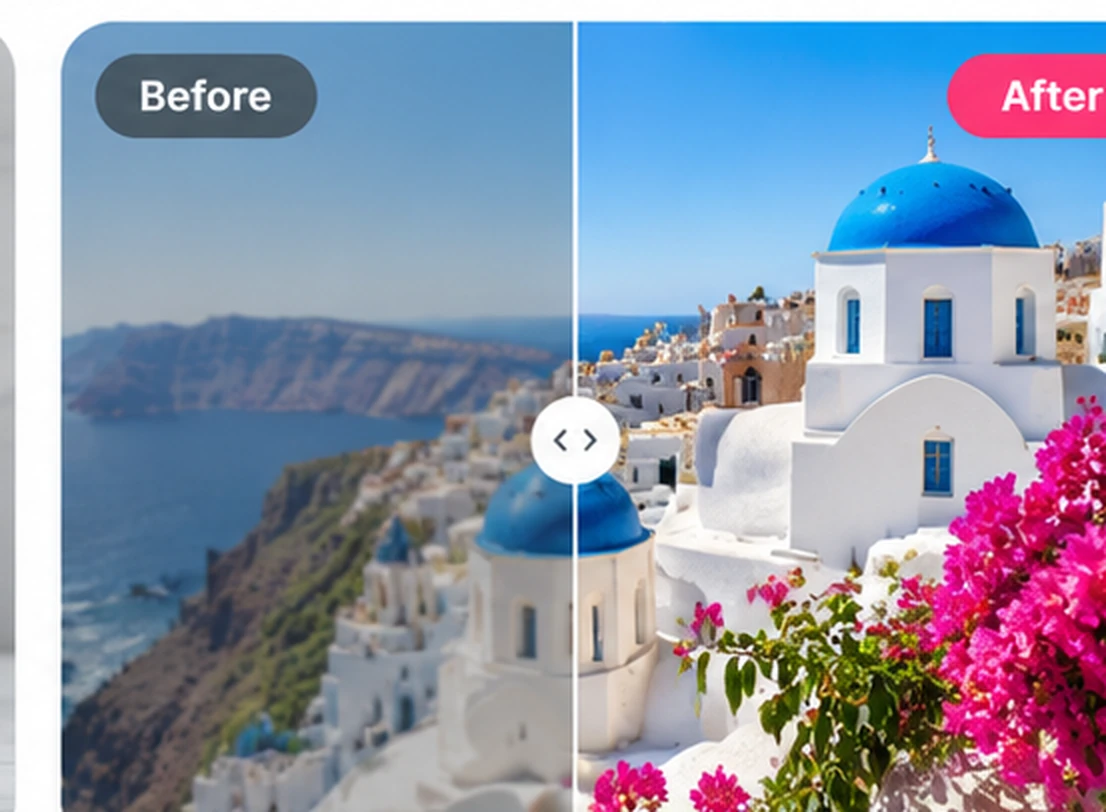
Give landscapes, indoor scenes and casual snapshots a cleaner, more balanced look without rebuilding the whole scene.
Generative enhancement is not lossless restoration. Photos with very strong blur, missing pixels or illegible text can gain plausible-looking but inaccurate details. Check faces, labels and important objects against the original.
Why use it
A built-in enhancement improves clarity, lighting and color. Upload a photo, generate, and review it before you download.
You get 10 guest credits, enough for one medium-quality enhancement. Sign in for 10 more. Compare the original and the result, then download or enhance again.
This page improves lighting, clarity and color. It is not a 2x, 4x or 4K upscaler, and output resolution follows the model and quality setting you choose. Your original file stays available so you can check the change.
Three simple steps
01
Choose a JPG, PNG or WebP image up to 10 MB.
02
Pick a quality level. A built-in enhancement prompt improves lighting, clarity and color automatically.
03
Use your credits to enhance the image, inspect the original and result, then download or refine your edit.
This page improves lighting, clarity and color from a prompt. Results are generative, so small details can change. Always compare the output with your original. The underlying model may be updated over time.
AI can sometimes make a slightly blurry image look clearer, but it cannot reliably recover details that were never captured. Very blurry faces, text or fine patterns may be changed or invented.
The suggested prompt asks AI to preserve faces, objects and composition. Because this is generative editing, small details can still change. Always compare the result with your original.
Yes. You can start with 10 free guest credits, which covers one medium-quality enhancement. Signing in gives you another 10 credits. Medium costs 10 credits, and other quality levels use different amounts.
Not specifically. This is a prompt-based AI photo enhancer rather than a fixed 2×, 4× or 4K upscaler. Output resolution depends on the image generation model and chosen quality settings.
You can upload JPG, PNG and WebP files up to 10 MB using your browser on a phone or computer.
Your selected file stays in your browser until you start generation. When you generate, the image is uploaded for processing. See the Privacy Policy for details about storage and data handling.
See our Privacy Policy for more on photo processing and storage.
Upload a photo, choose a quality level, and preview the enhanced result. A medium-quality edit costs 10 credits.
Looking for a different edit? Open the AI photo editor or browse AI photo editing tools.