Sample results

AI Photo Edit Examples

Before-and-after edits created by our users, with the prompt and credit cost for each. Browse real community results to see what a natural-language edit can look like.

Open the editor

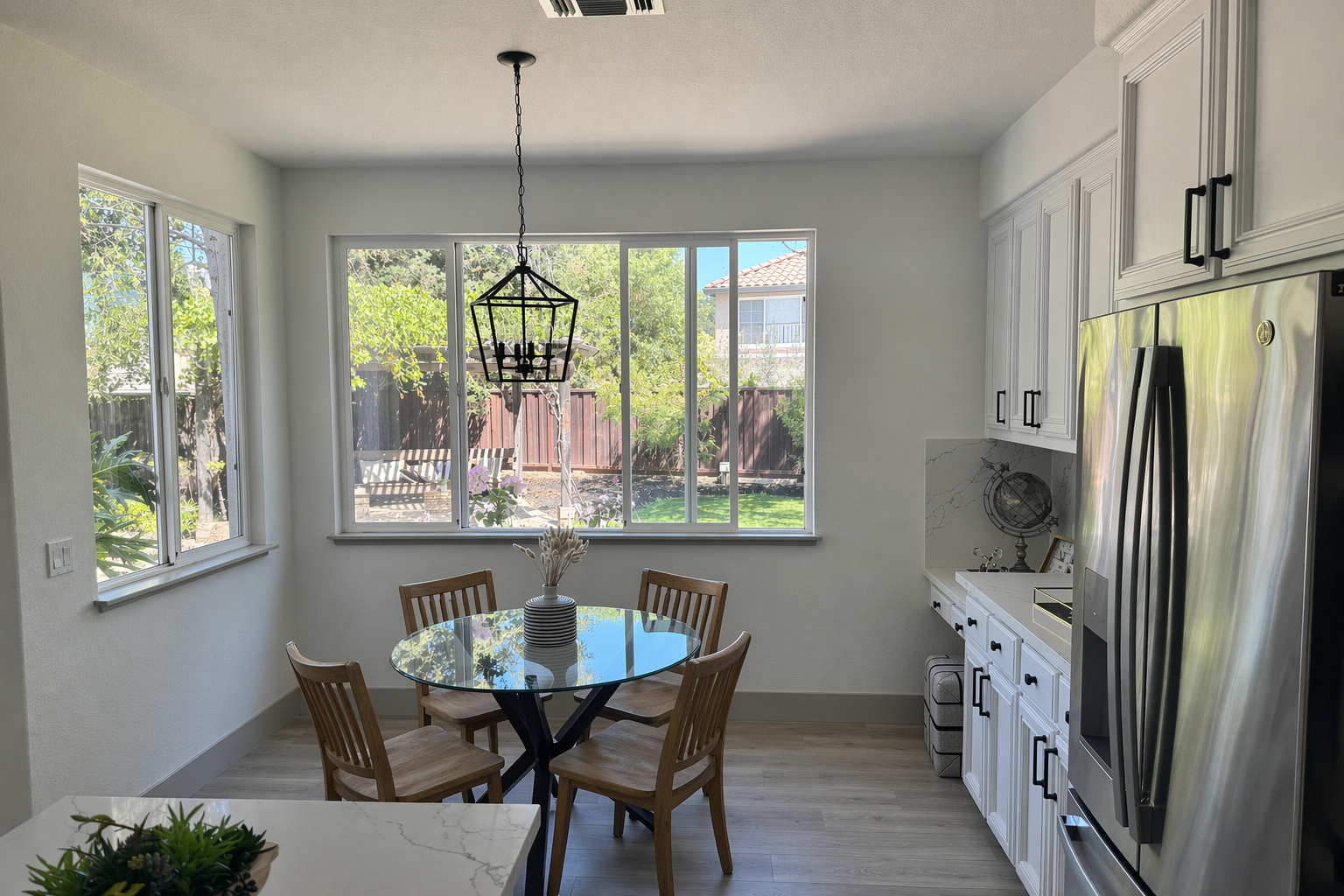
Recolor a marked object

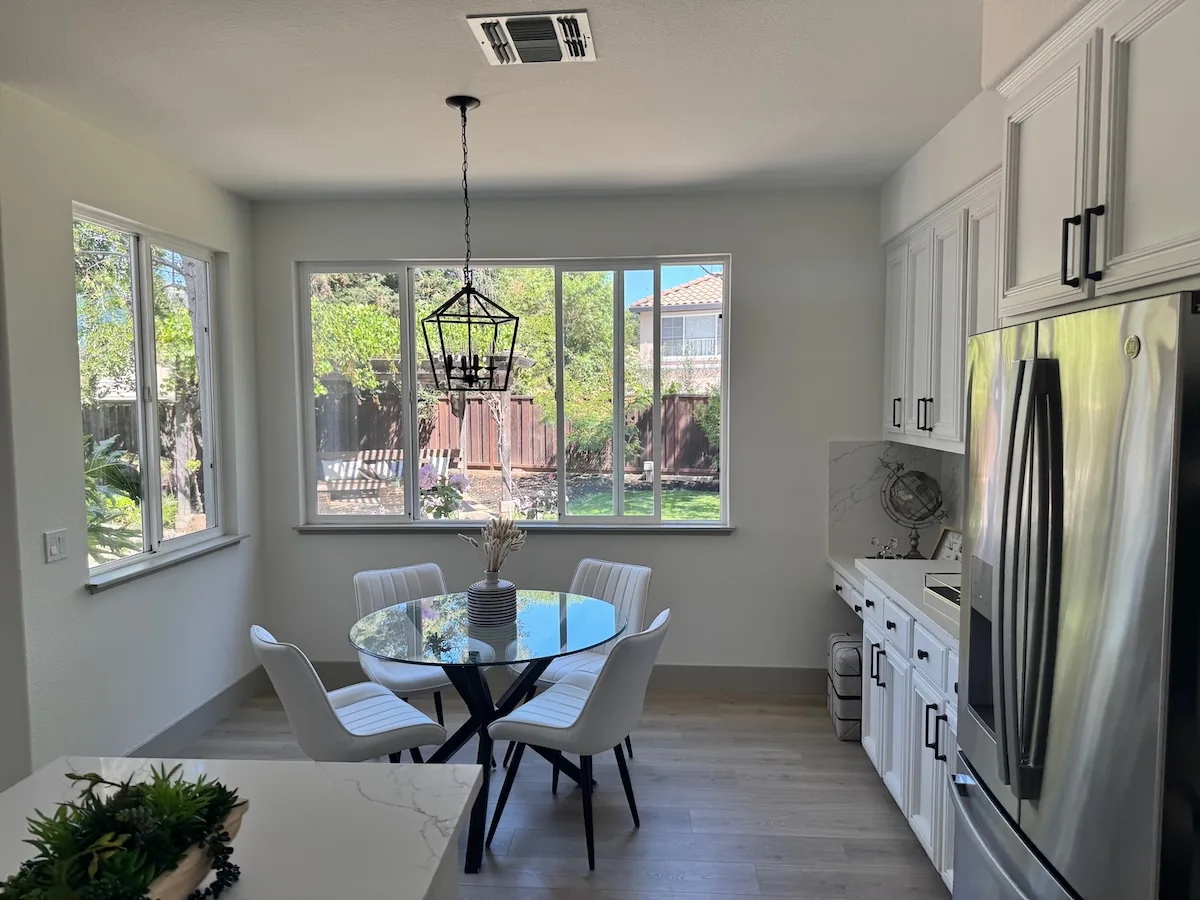
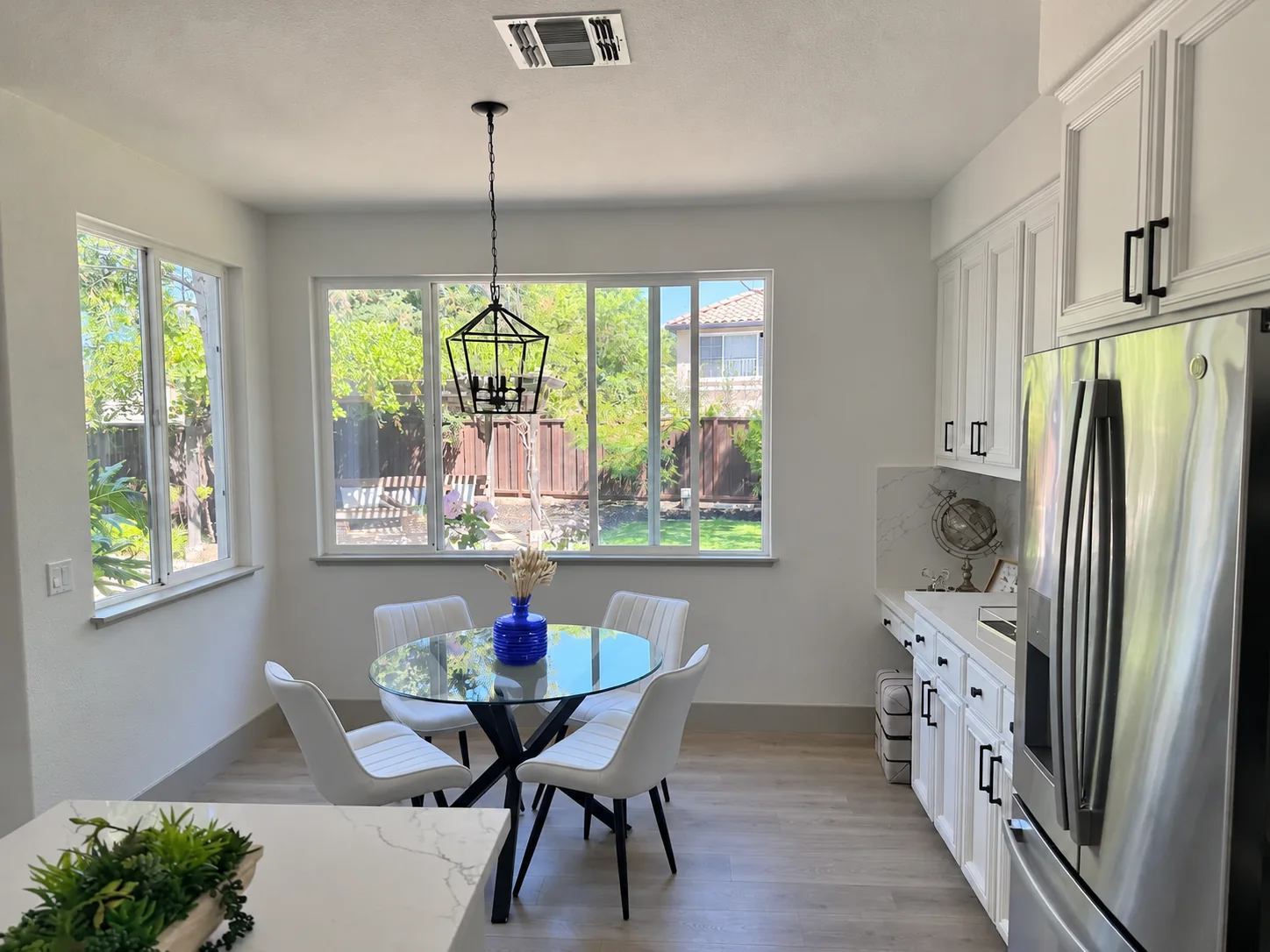
Kitchen table with a striped vase and dried stems before the editBefore
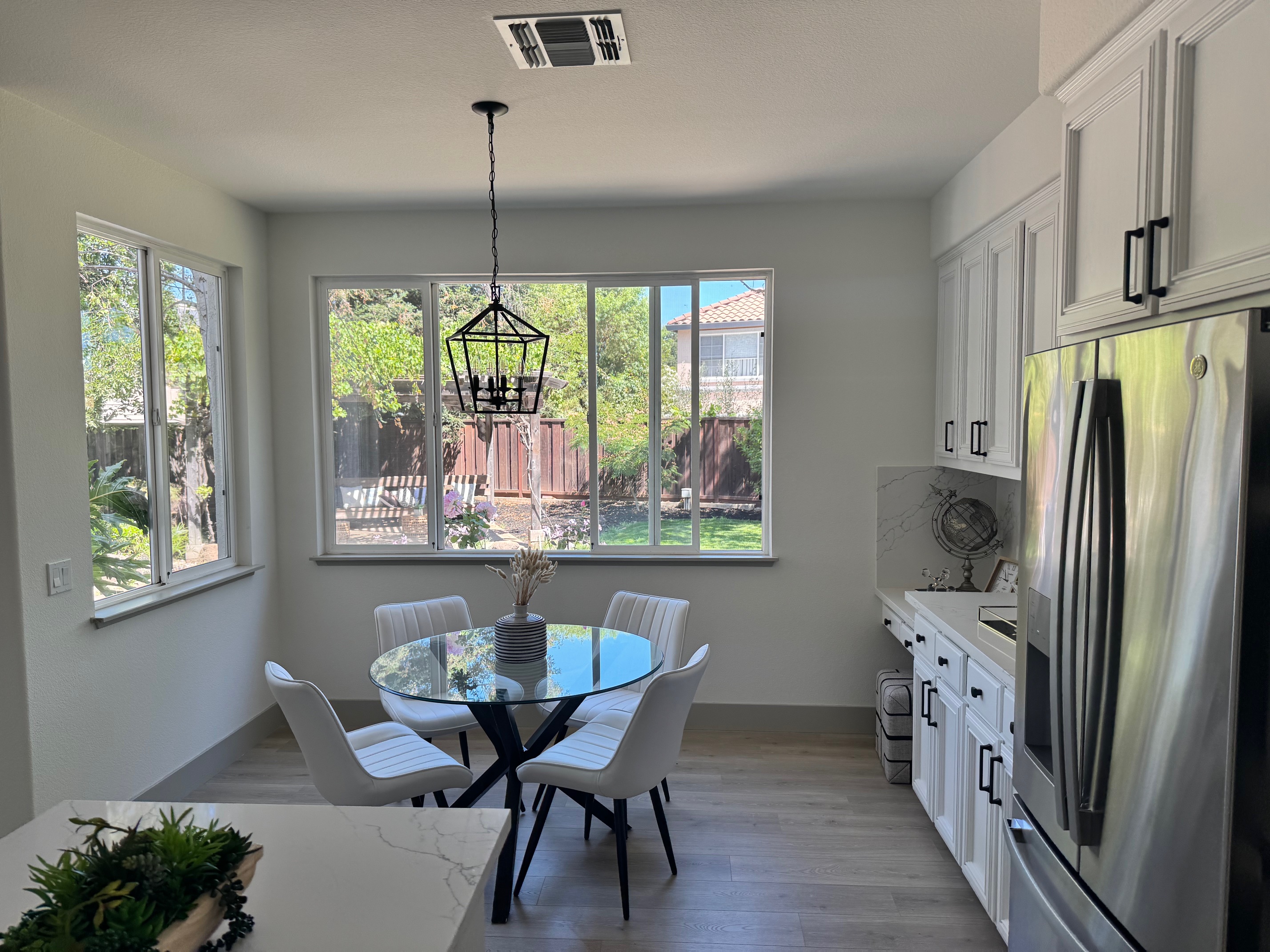
Same kitchen scene after the vase was recolored to solid cobalt blueAfter

Recolor the striped vase inside the red circle to solid cobalt blue ceramic. Keep its shape, the dried stems, and the rest of the kitchen unchanged. Remove the red circle from the finished photo.

MC

Maya Chen

10 credits

Transparent product cutout
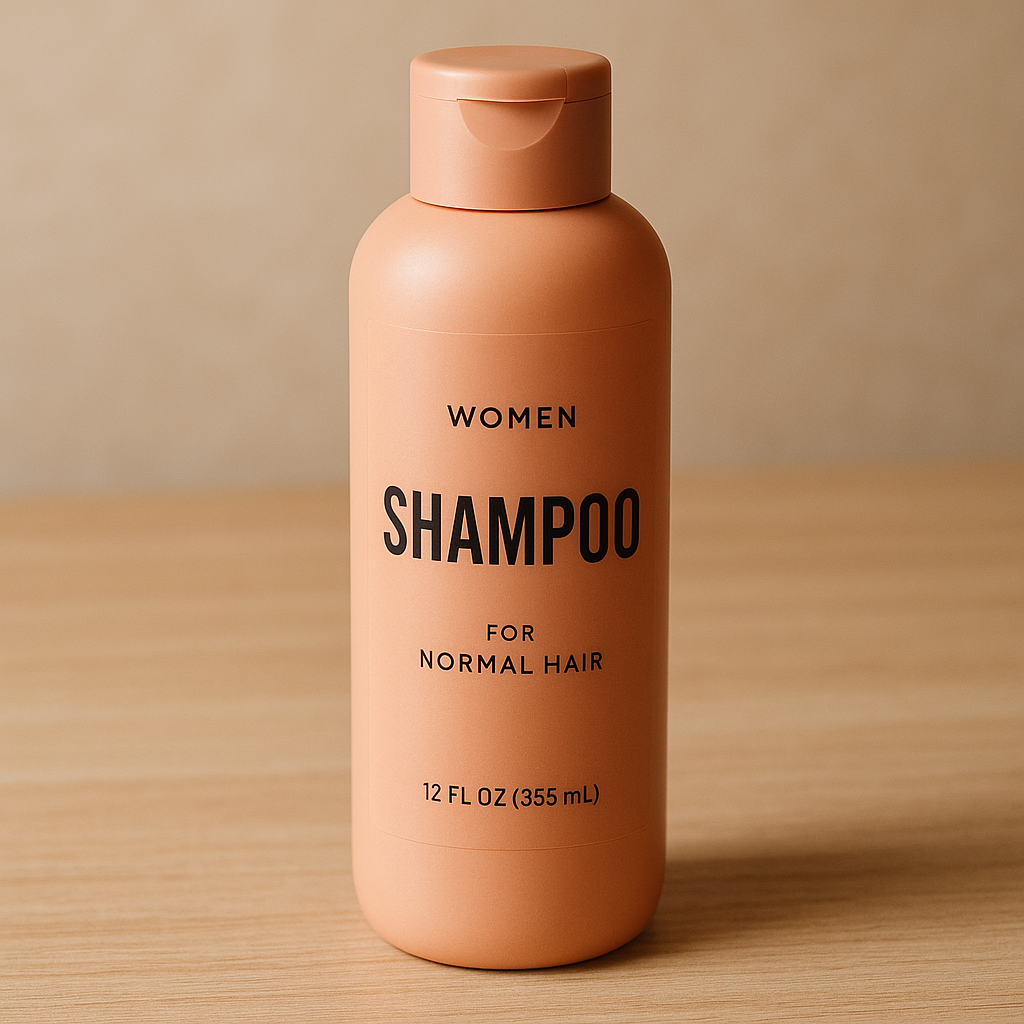
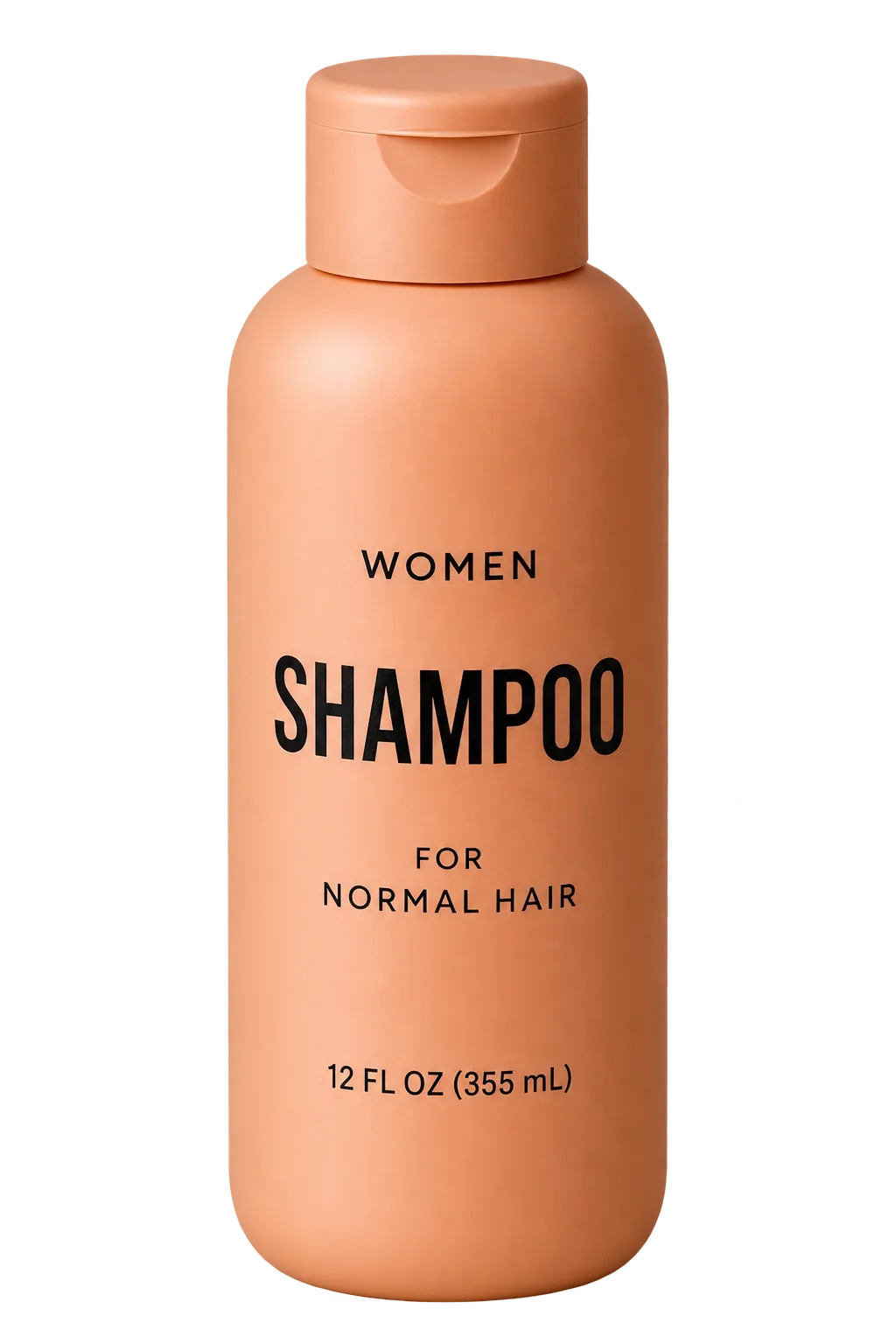
Shampoo bottle product photo on a studio backgroundBefore
Same shampoo bottle isolated on a transparent backgroundAfter

Extract the product from the input image and isolate it on a fully transparent background. Output: centered product, crisp silhouette, no halos/fringing. Preserve product geometry and label legibility exactly. Add only light polishing. Do not add a solid backdrop, checkerboard, scenery, or shadow. Do not restyle the product; remove the background and preserve clean alpha transparency.

JL

Jordan Lee

6 credits

Remove an object

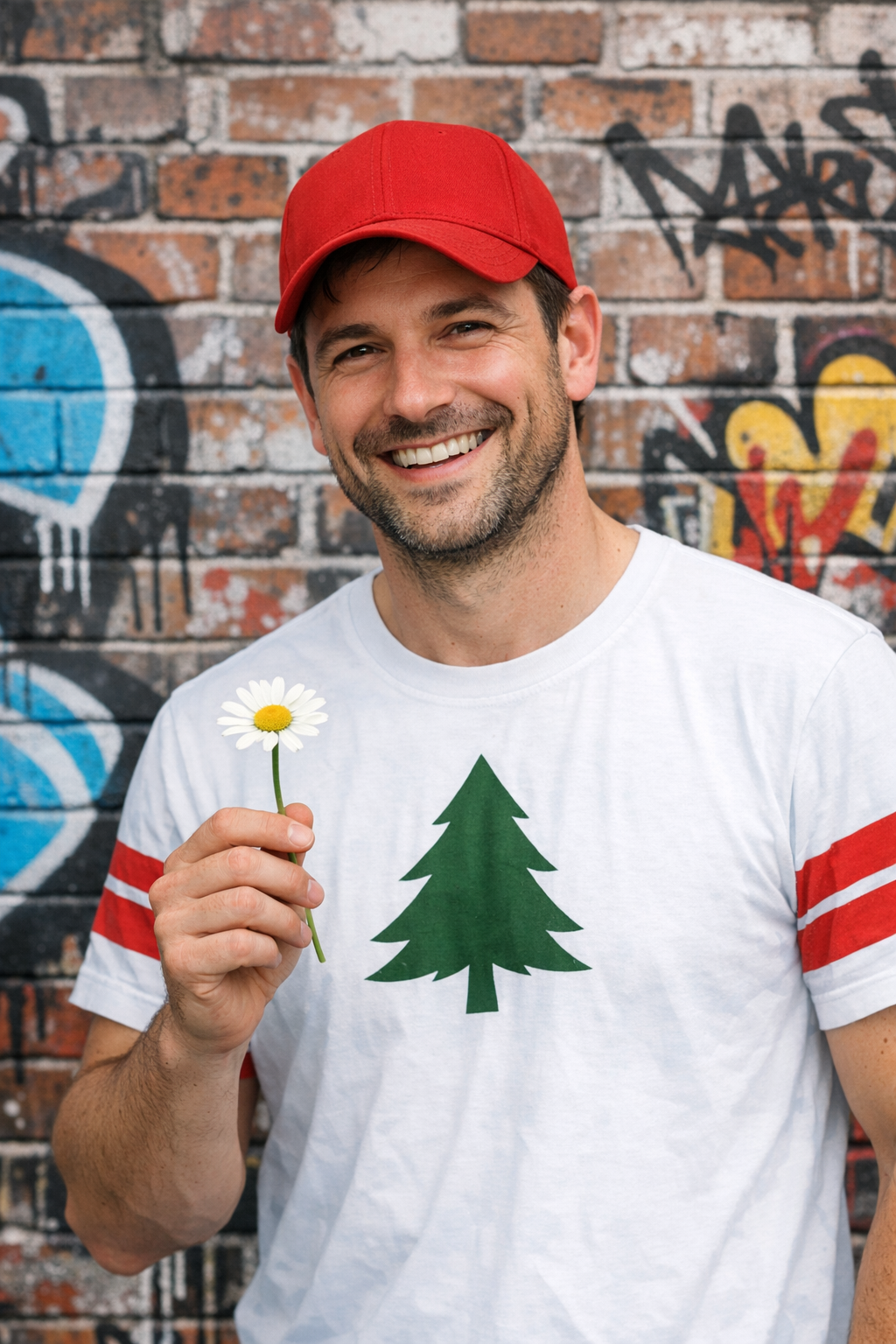
Man holding a flower in his hand before object removalBefore
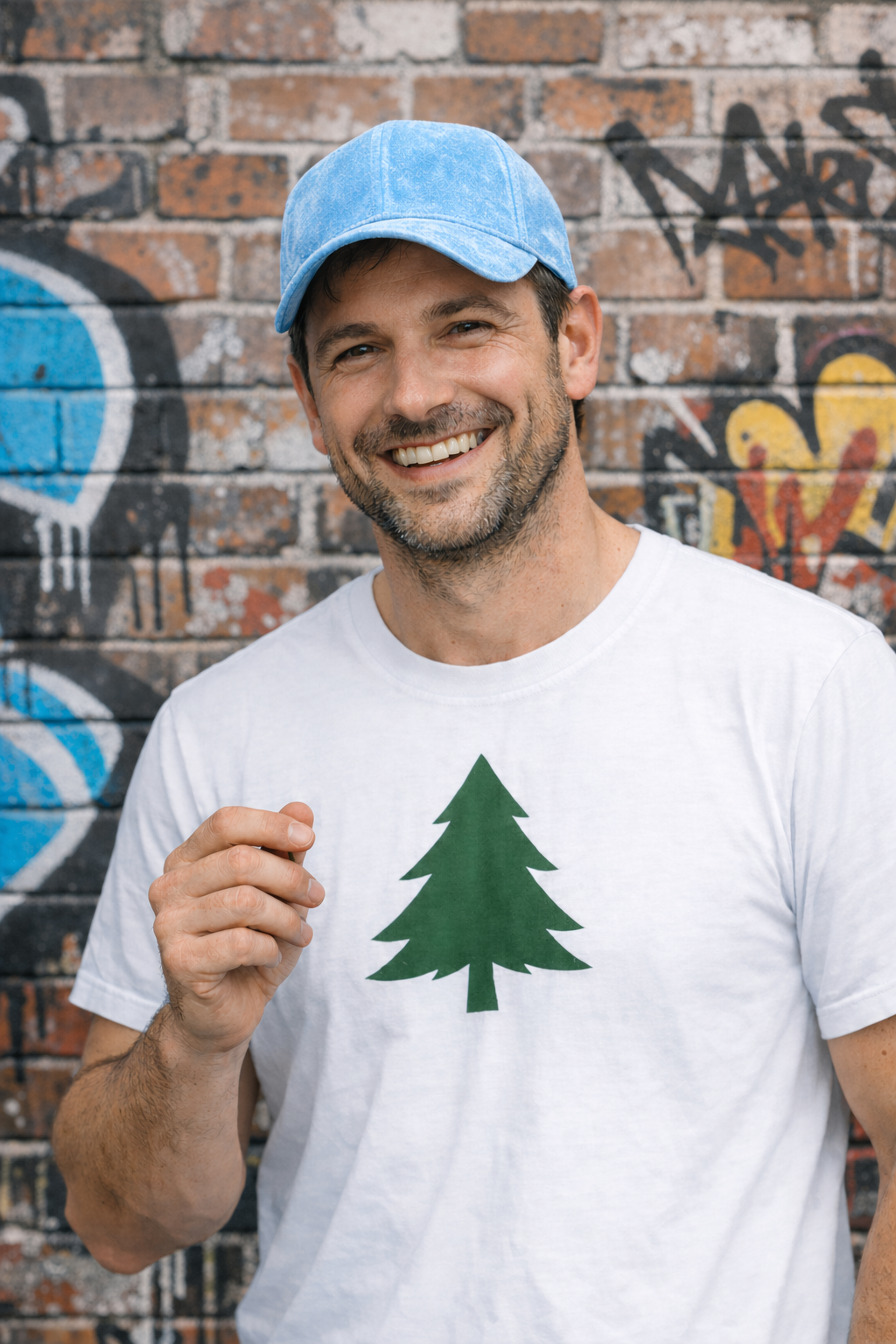
Same man after the flower was removed from his handAfter

Remove the flower from man's hand. Do not change anything else.

SP

Samir Patel

10 credits

Change furniture in a room

Room interior with white chairs before the furniture editBefore
Same room after the white chairs were replaced with wood chairsAfter

In this room photo, replace ONLY the white chairs with chairs made of wood. Preserve camera angle, room lighting, floor shadows, and surrounding objects. Keep all other aspects of the image unchanged. Photorealistic contact shadows and fabric texture.

ER

Elena Rossi

13 credits

Change clothing, keep identity

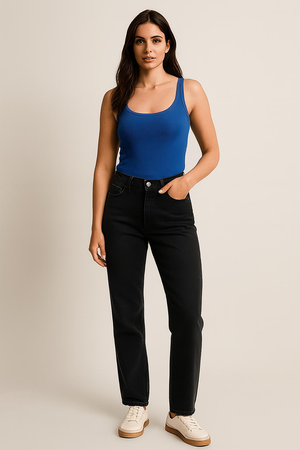
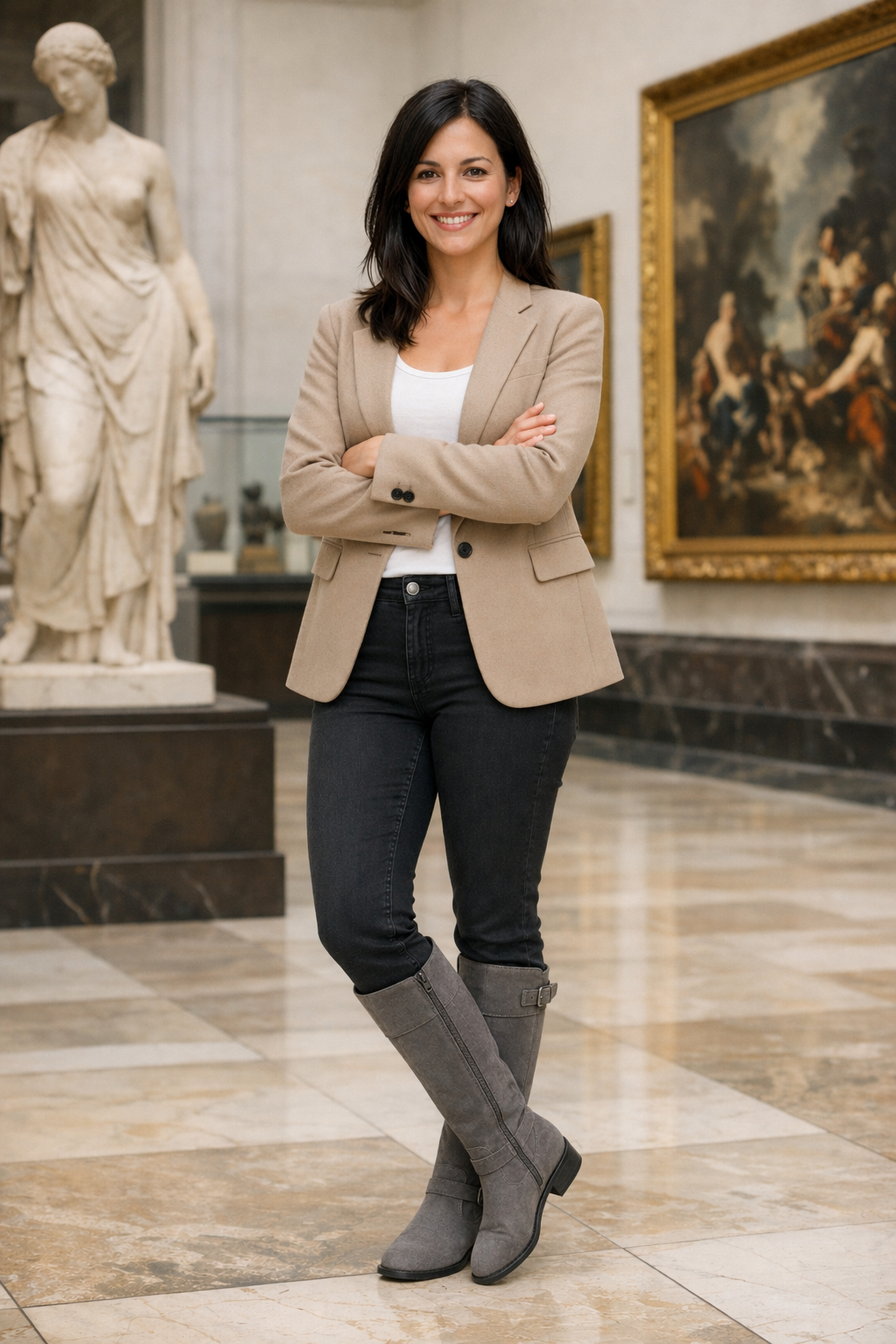
Portrait of a woman before a clothing swap editBefore
Same woman after clothing was replaced while identity and pose stayed fixedAfter

Edit the image to dress the woman using the provided clothing images. Do not change her face, facial features, skin tone, body shape, pose, or identity in any way. Preserve her exact likeness, expression, hairstyle, and proportions. Replace only the clothing, fitting the garments naturally to her existing pose and body geometry with realistic fabric behavior. Match lighting, shadows, and color temperature to the original photo so the outfit integrates photorealistically, without looking pasted on. Do not change the background, camera angle, framing, or image quality, and do not add accessories, text, logos, or watermarks.

NK

Noah Kim

22 credits

Combine reference subjects

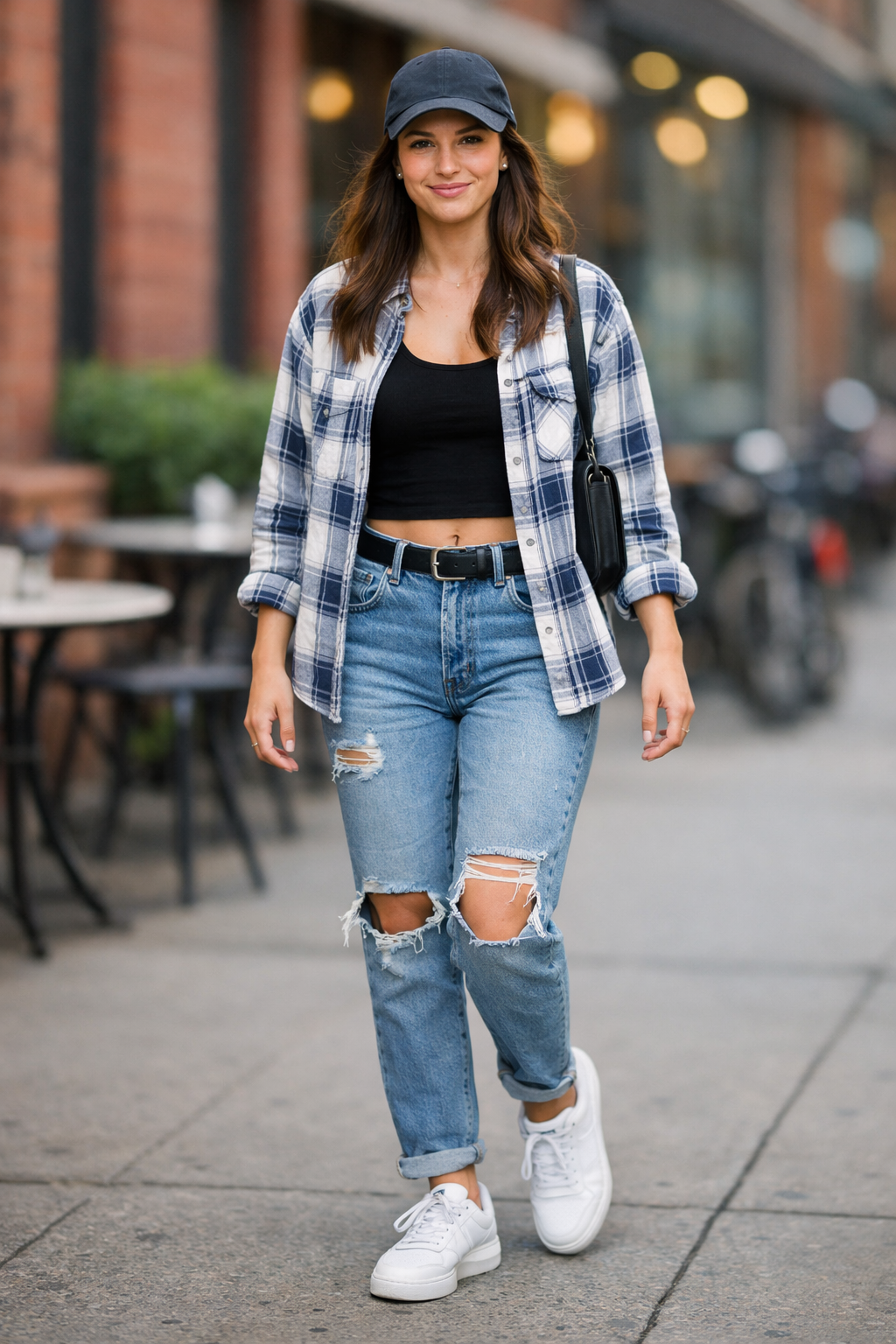
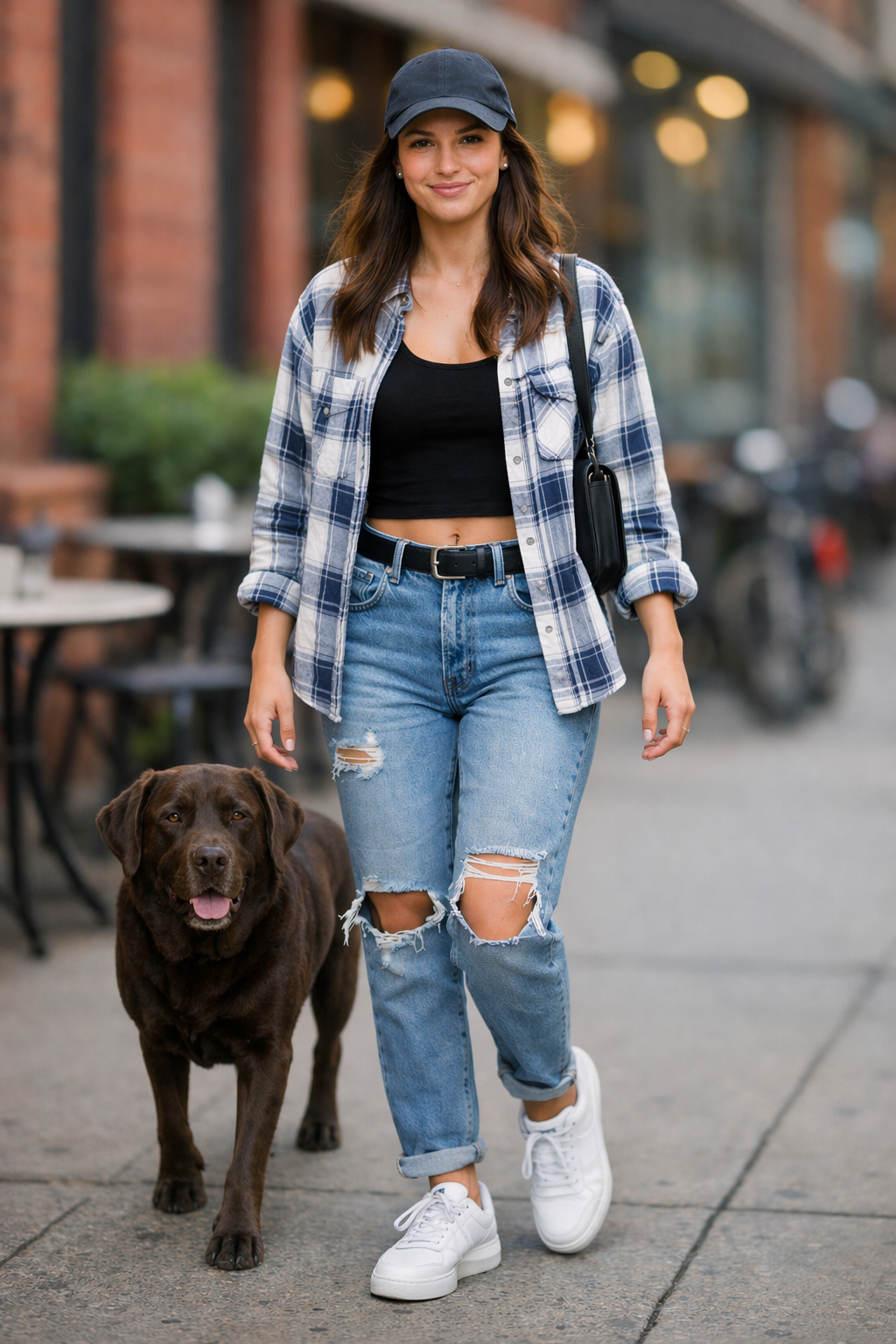
Woman in a scene before a dog was composited into the frameBefore
Same scene after a dog was placed next to the womanAfter

Place the dog from the second image into the setting of image 1, right next to the woman, use the same style of lighting, composition and background. Do not change anything else.

PN

Priya Nair

13 credits

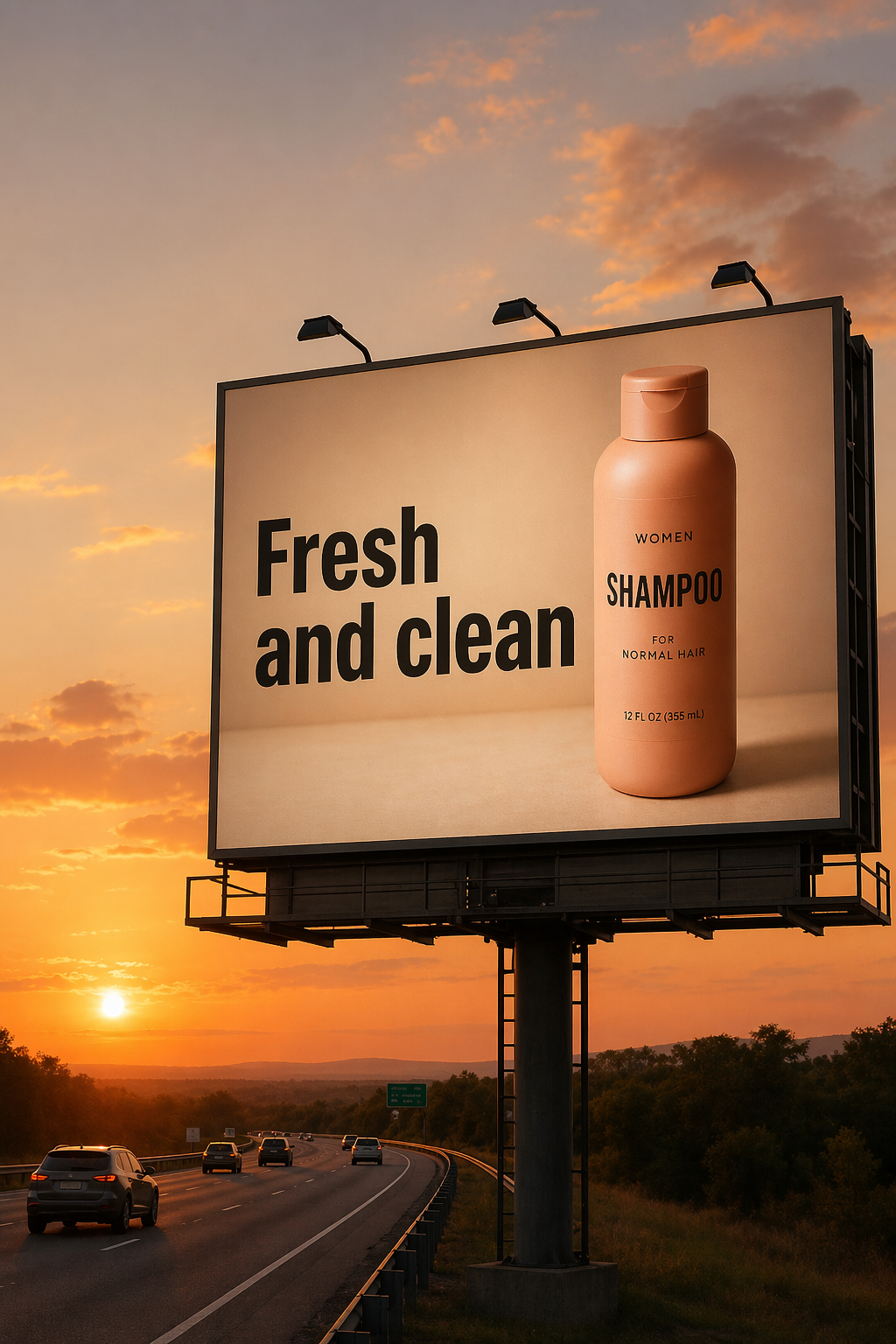
Iterate: change weather

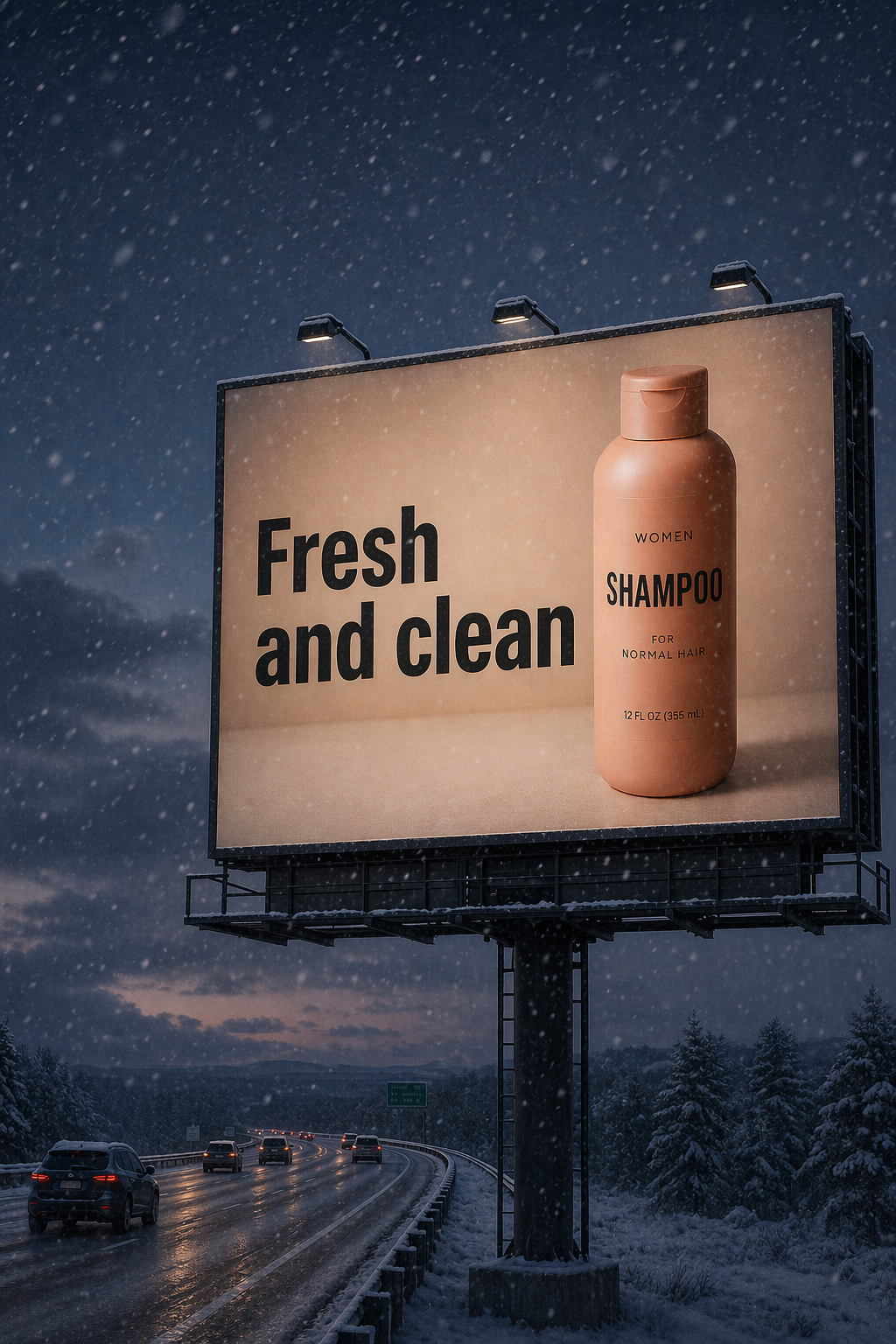
Highway billboard scene before a weather changeBefore
Same billboard scene restyled as a winter evening with snowfallAfter

Make it look like a winter evening with snowfall.

AM

Alex Morgan

6 credits

Sketch to photorealistic

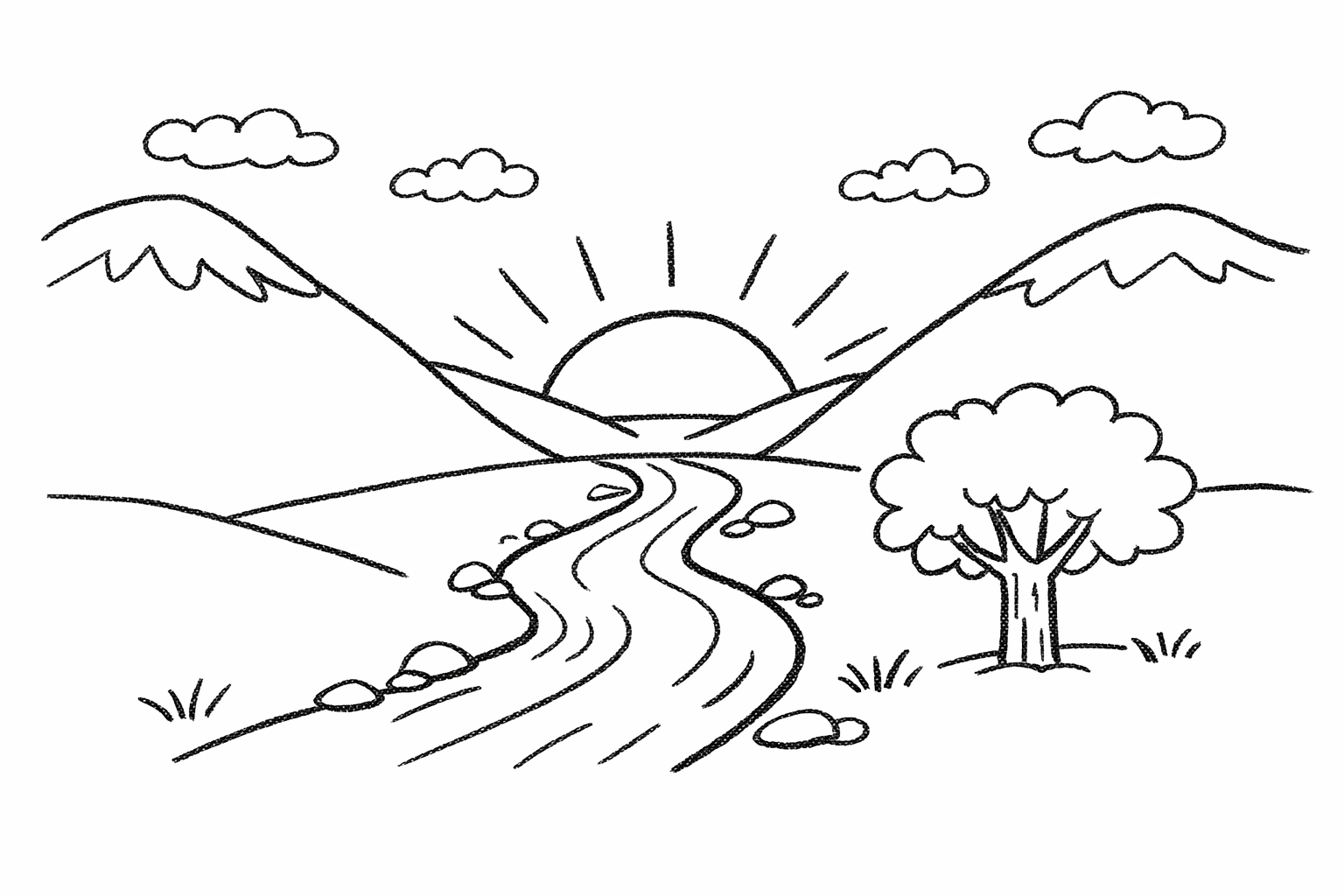
Hand-drawn landscape sketch before photorealistic conversionBefore
Photorealistic valley scene rendered from the original sketchAfter

Turn this drawing into a photorealistic image. Preserve the exact layout, proportions, and perspective. Choose realistic materials and lighting consistent with the sketch intent. Do not add new elements or text.

LP

Luna Park

10 credits

Transfer a visual style

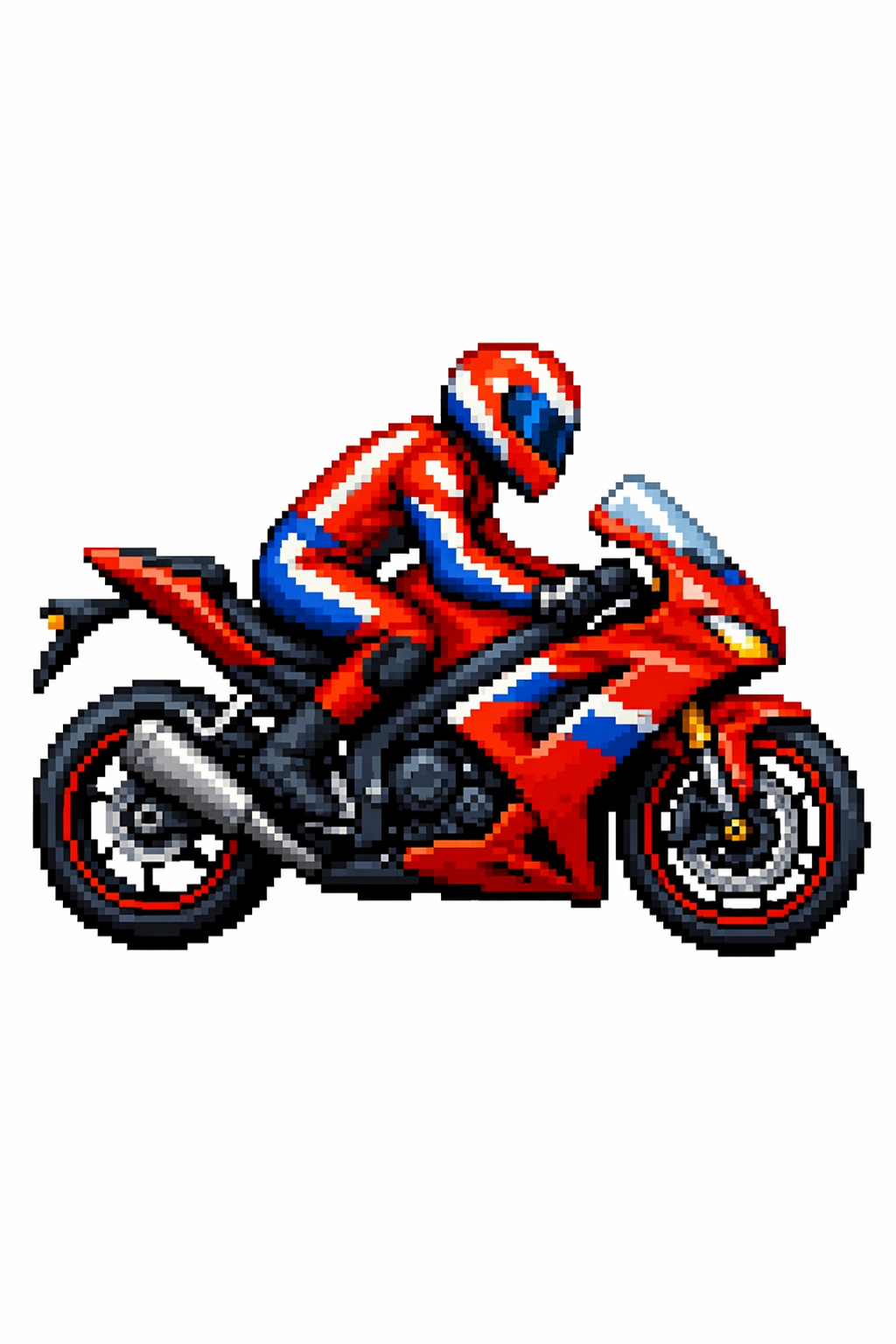
Pixel-art style reference image before the style transferBefore
Man riding a motorcycle rendered in the same pixel-art style on a white backgroundAfter

Use the same style from the input image and generate a man riding a motorcycle on a white background.

DS

Diego Santos

6 credits

Place a person in a new scene

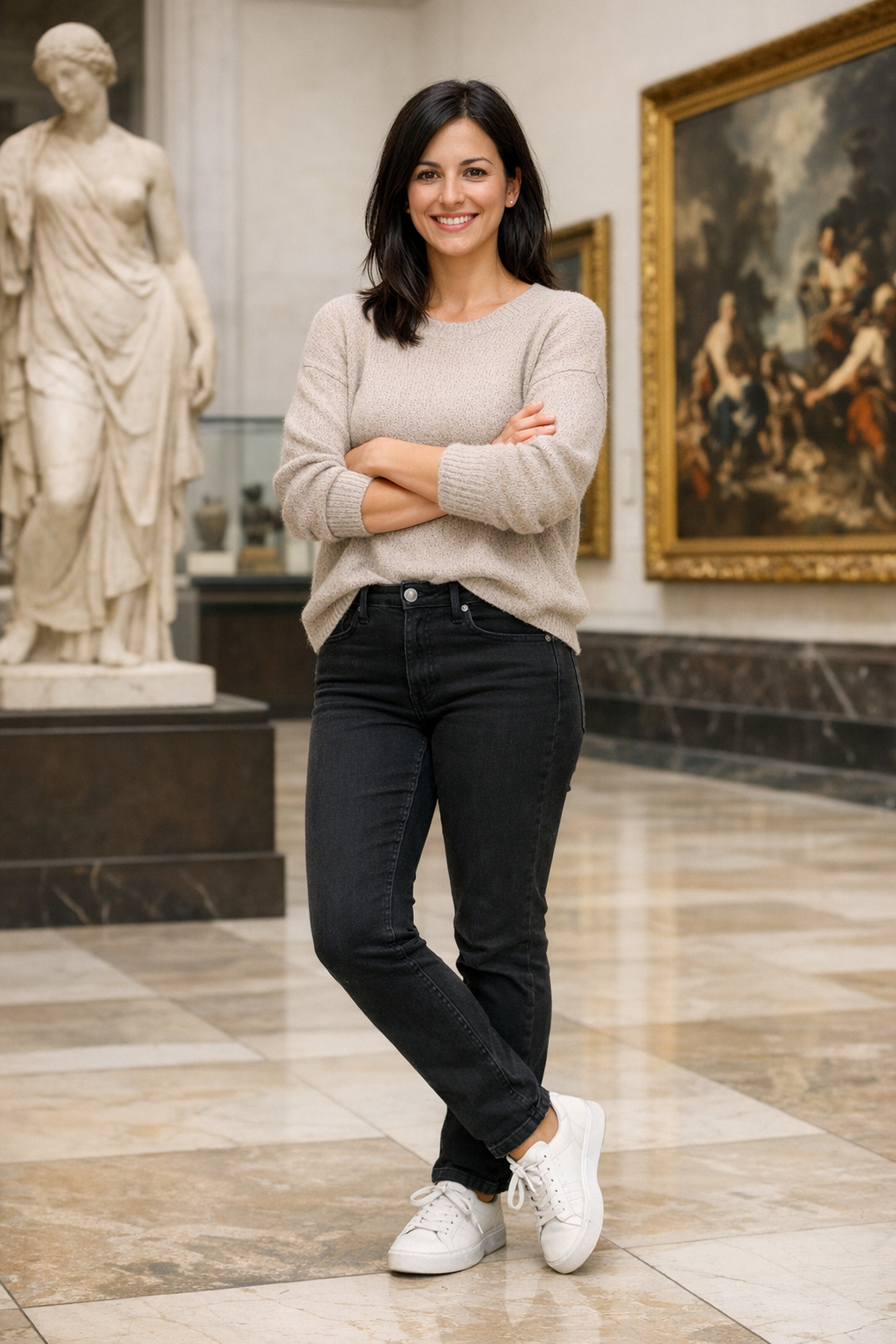
Woman photographed in a museum before being placed in a new sceneBefore
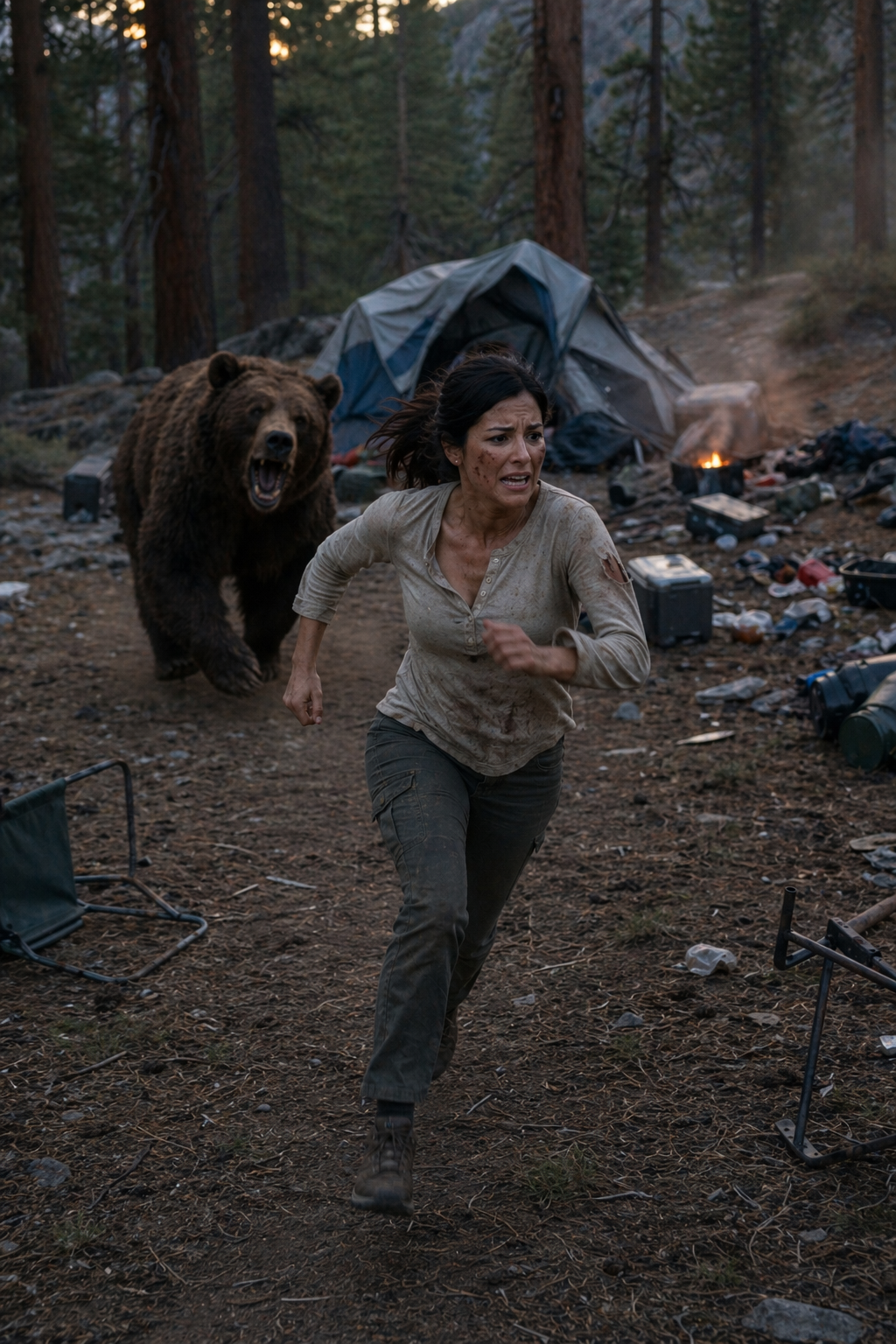
Same woman running from a bear at a campsite after the scene editAfter

Generate a highly realistic action scene where this person is running away from a large, realistic brown bear attacking a campsite. The image should look like a real photograph someone could have taken, not an overly enhanced or cinematic movie-poster image. She is centered in the image but looking away from the camera, wearing outdoorsy camping attire, with dirt on her face and tears in her clothing. She is clearly afraid but focused on escaping, running away from the bear as it destroys the campsite behind her. The campsite is in Yosemite National Park, with believable natural details. The time of day is dusk, with natural lighting and realistic colors. Everything should feel grounded, authentic, and unstyled, as if captured in a real moment. Avoid cinematic lighting, dramatic color grading, or stylized composition.

HO

Hana Okada

22 credits

Keep a character consistent

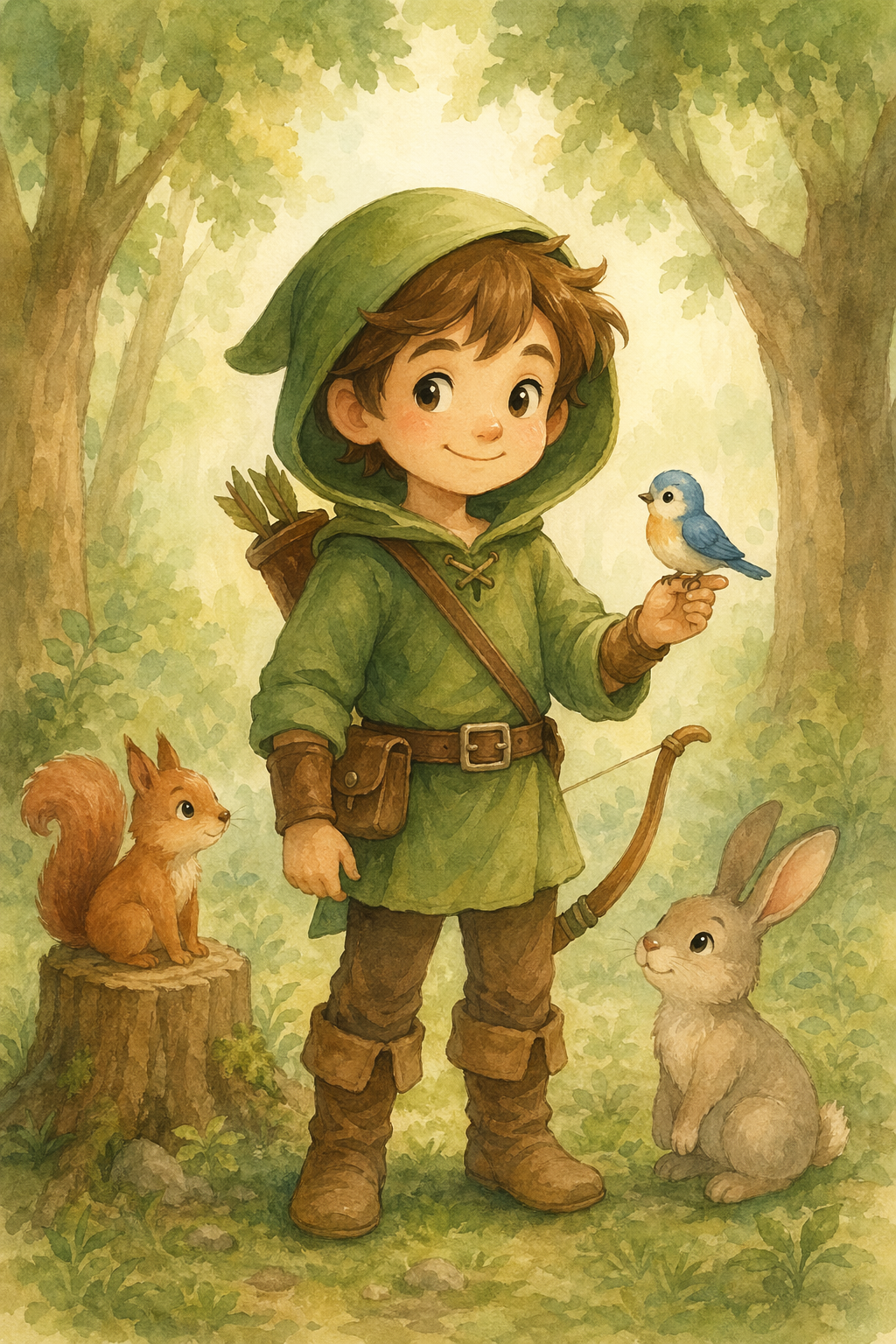
Children’s book illustration introducing a young forest hero characterBefore
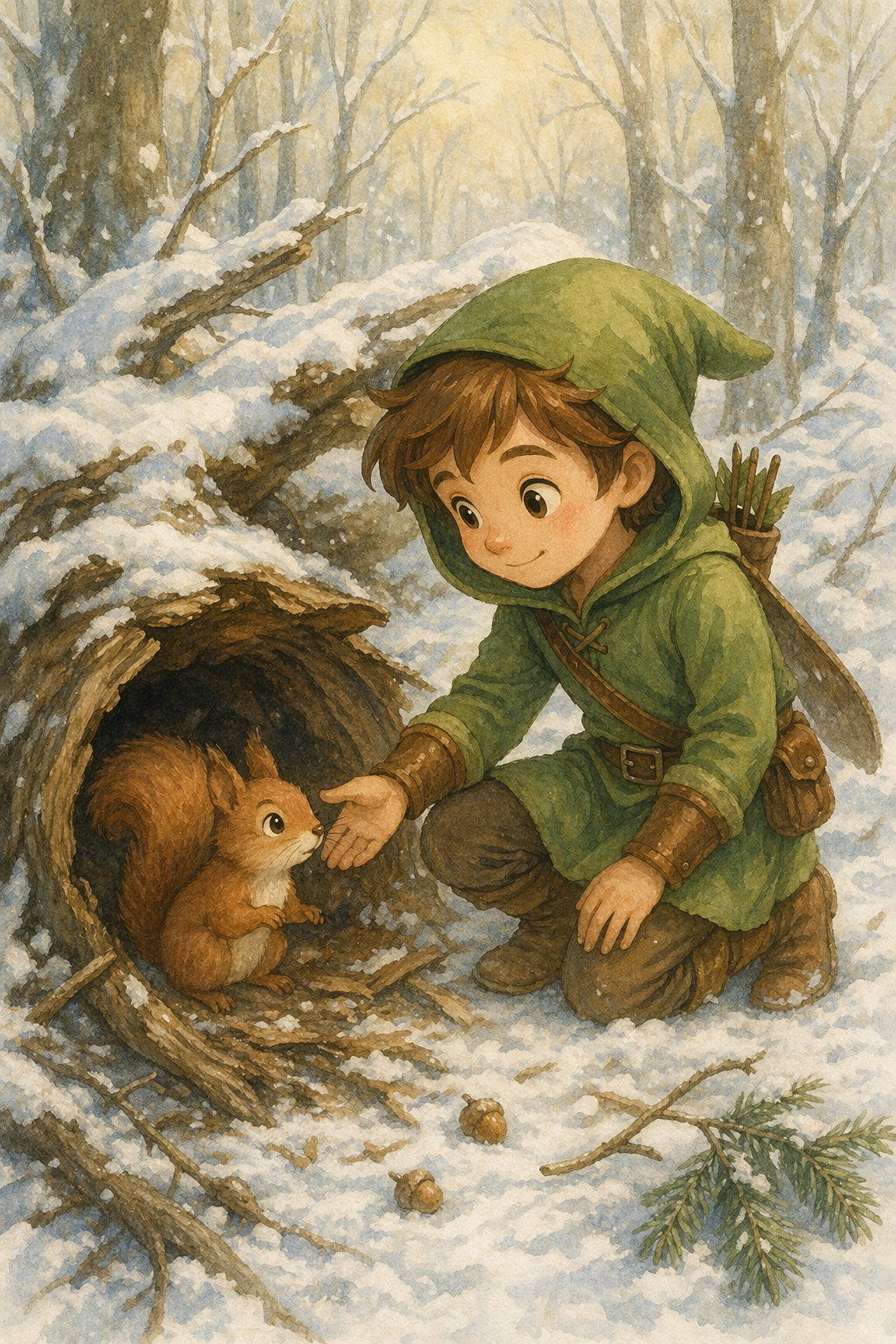
Same character helping a squirrel in a snowy forest in a follow-up sceneAfter

Continue the children’s book story using the same character. Scene: The same young forest hero is gently helping a frightened squirrel out of a fallen tree after a winter storm. The character kneels beside the squirrel, offering reassurance. Character Consistency: - Same green hooded tunic - Same facial features, proportions, and color palette - Same gentle, heroic personality Style: Children’s book watercolor illustration, soft lighting, snowy forest environment, warm and comforting mood. Constraints: - Do not redesign the character - No text - No watermarks

CO

Chris Owens

13 credits