 Get AI Photo Editor
 BeforeAfter
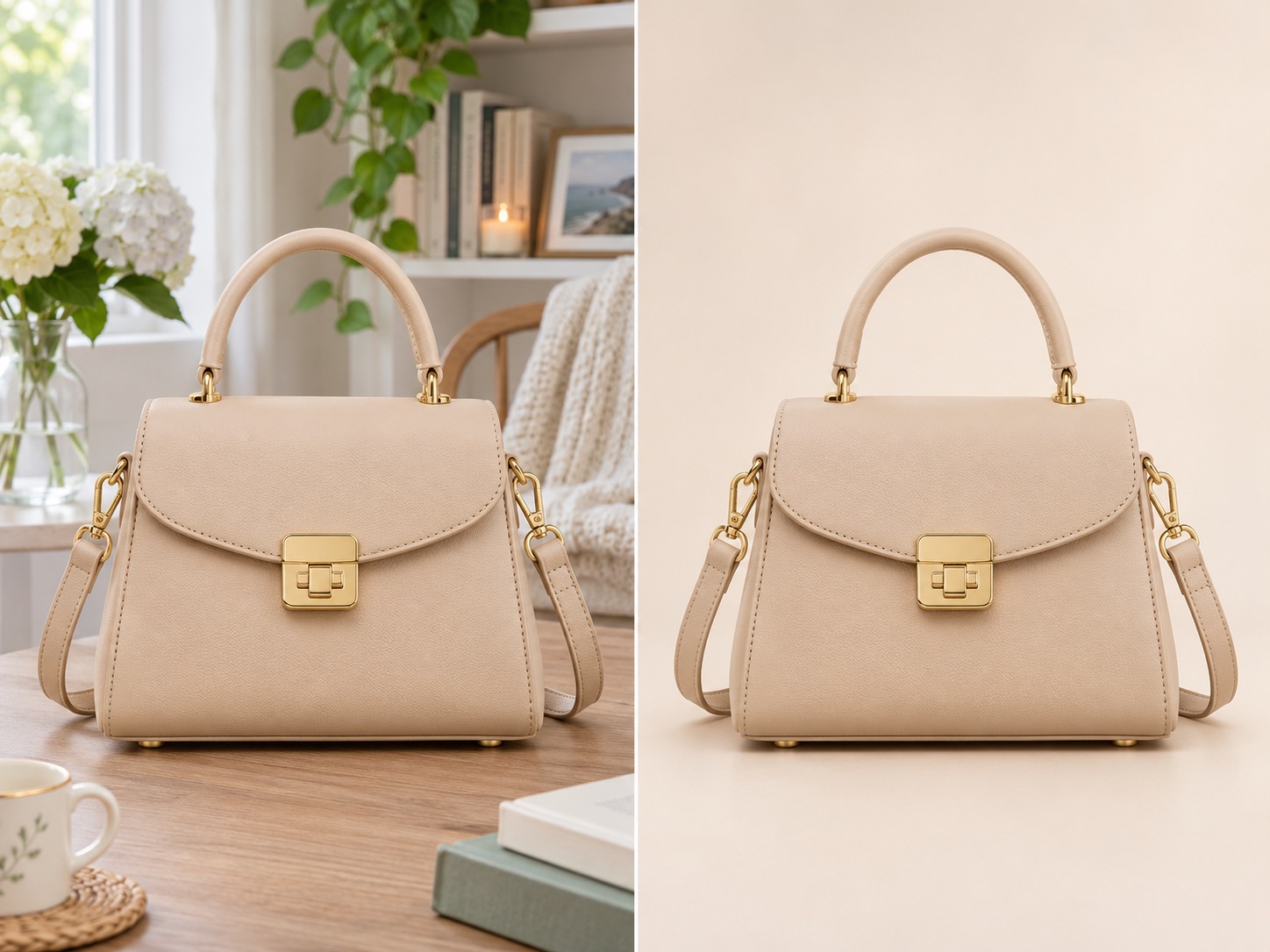
Change What You Want, Keep What Matters
Change the background or other details while keeping the main subject's shape, colors, and defining features as close to the original as possible.
Upload a photo and describe the edit — 10 free credits, no signup.
Click to upload or drag your image here
Your photo stays in your browser until you generate.
10 free trial credits · Model: GPT Image 2.6 · Medium · original aspect ratio
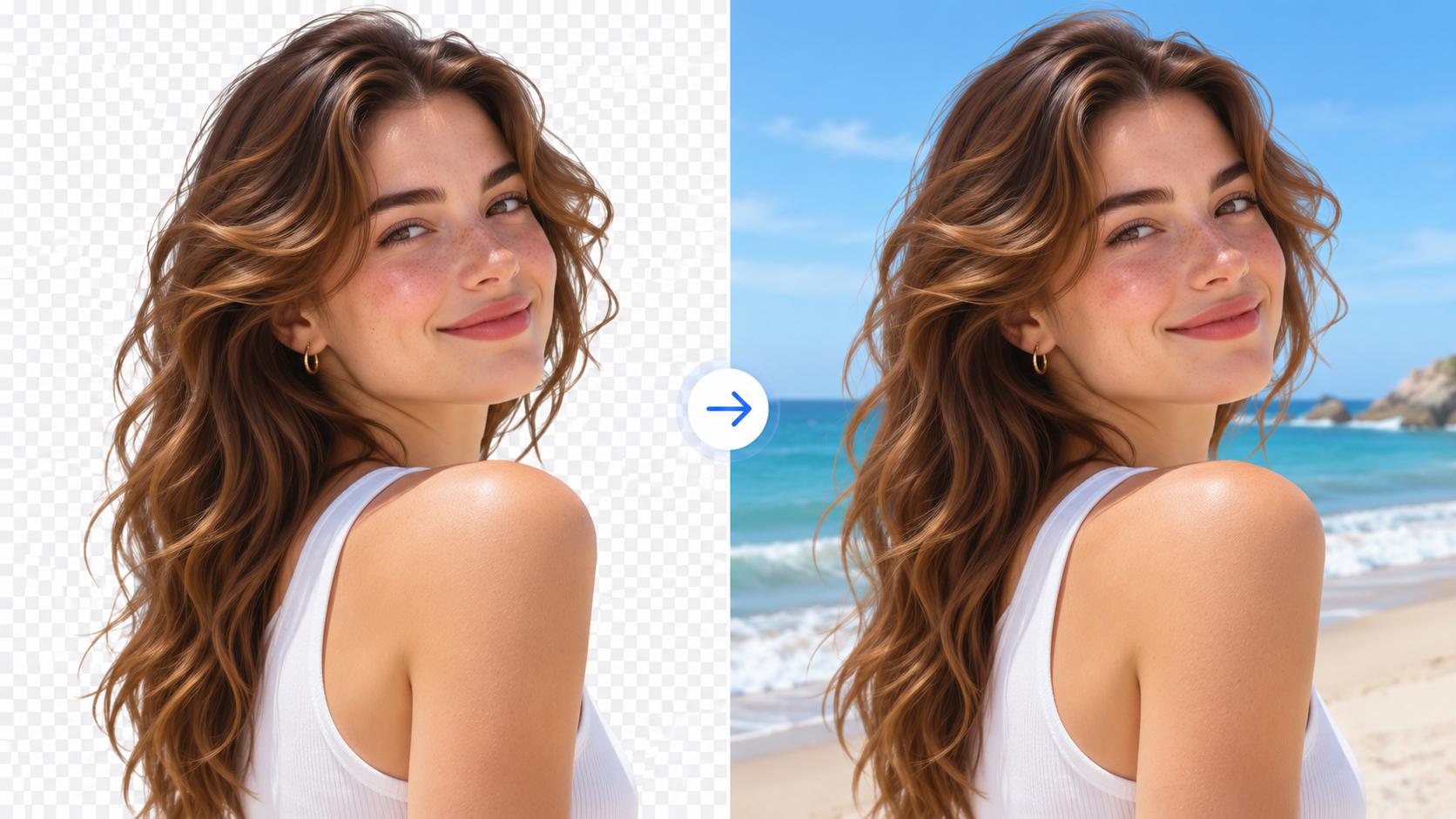
Upload your photo to replace this example.
Make targeted edits, preserve important details, and transform your photos with simple instructions.
BeforeAfterChange the background or other details while keeping the main subject's shape, colors, and defining features as close to the original as possible.
 BeforeAfter
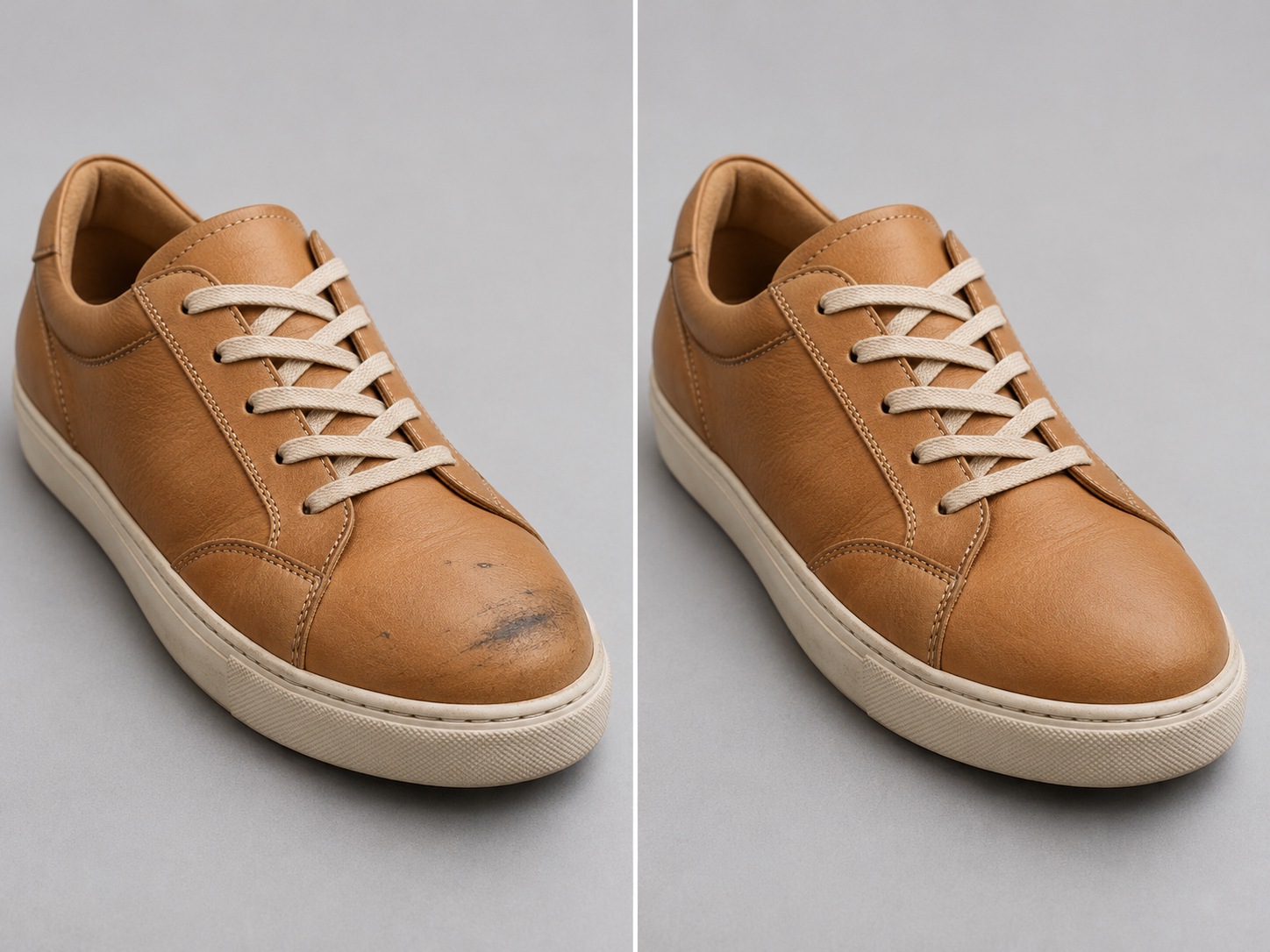
Fix scuffs, smooth wrinkles, or adjust specific details without unnecessarily changing everything else.
 BeforeAfter
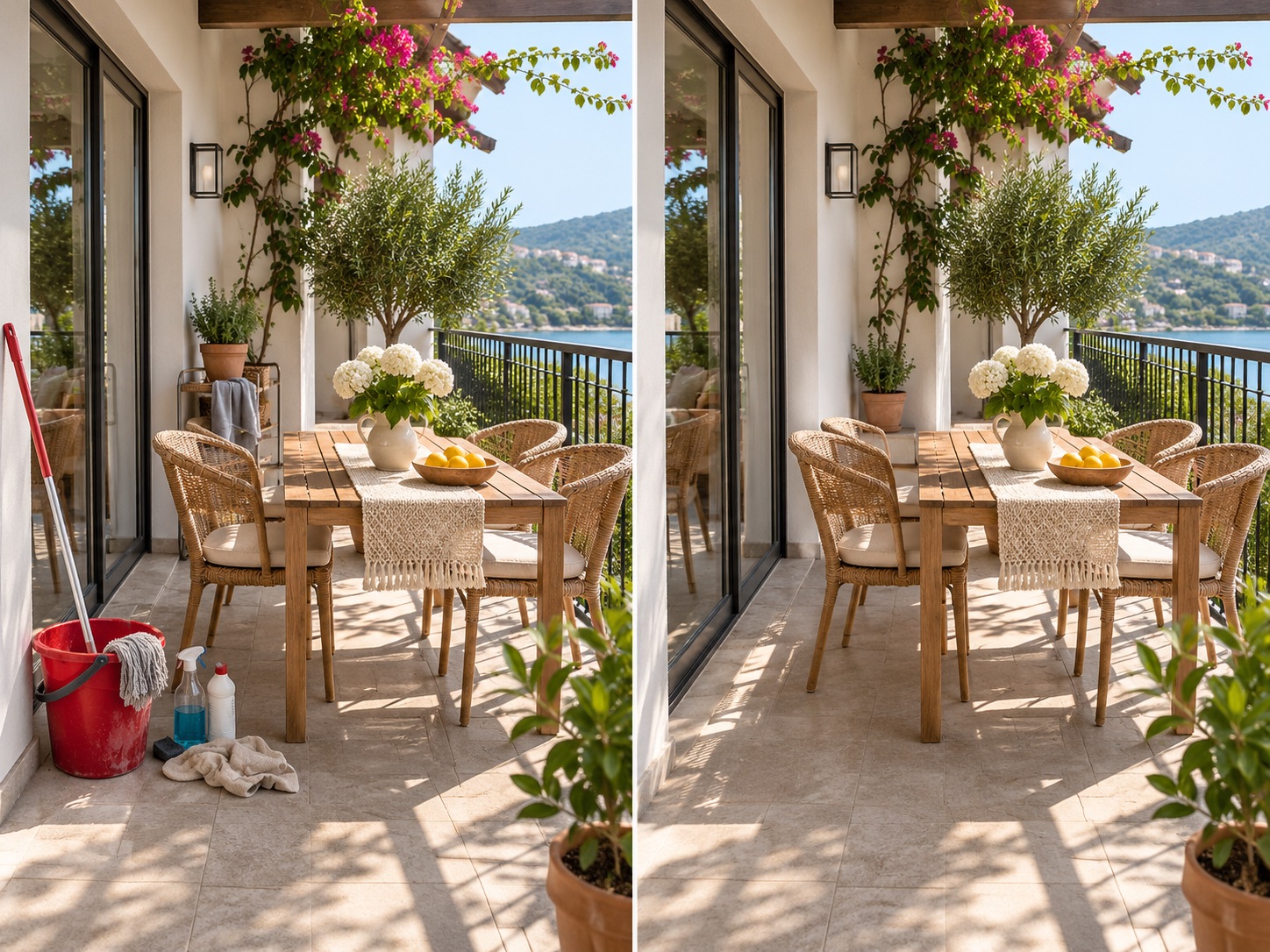
Skip complicated selections and layers. Simply describe the change in everyday language and see the edit take shape.
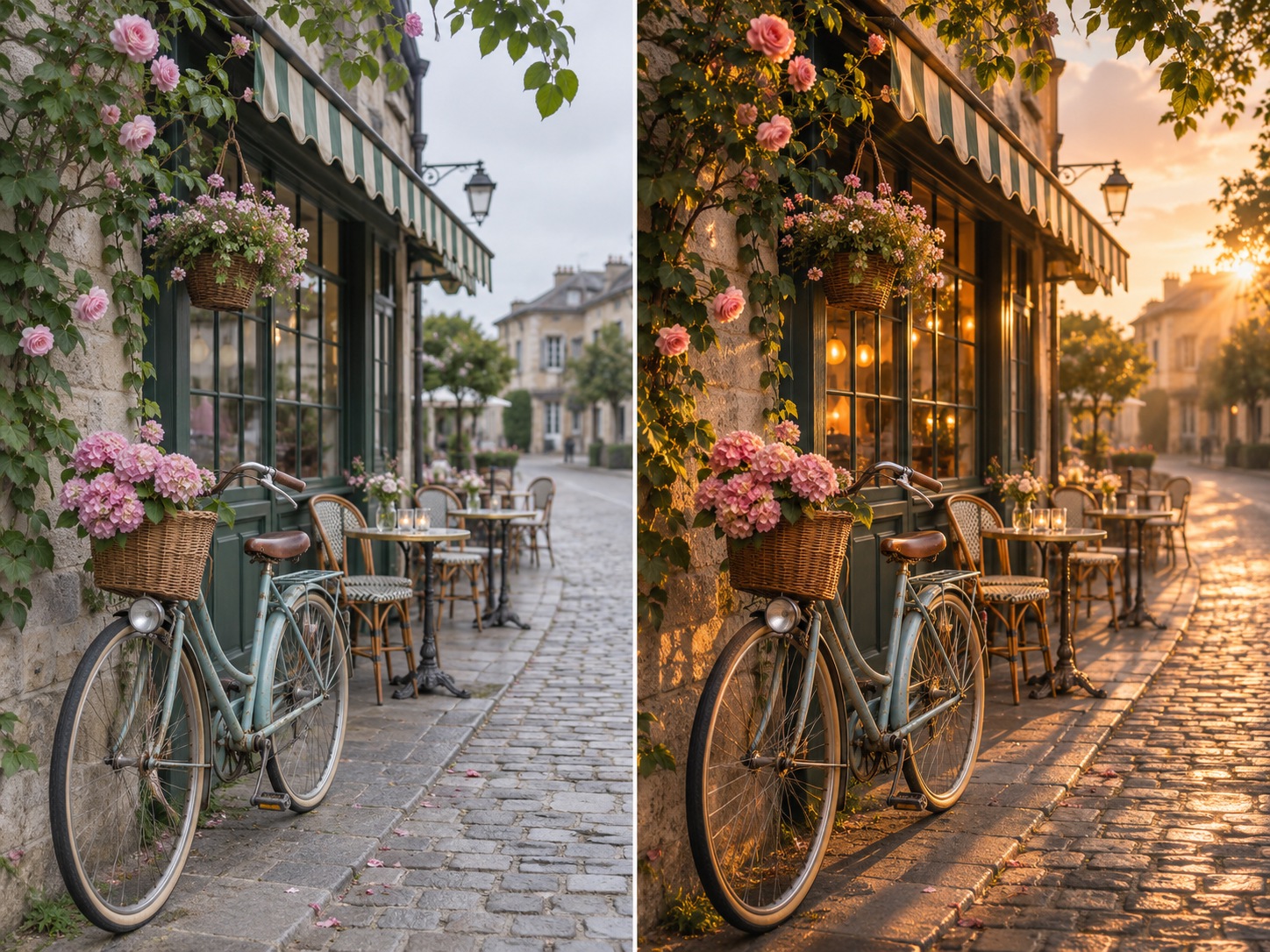 BeforeAfter
Explore new backgrounds, lighting, colors, and styles while keeping your original subject recognizable.
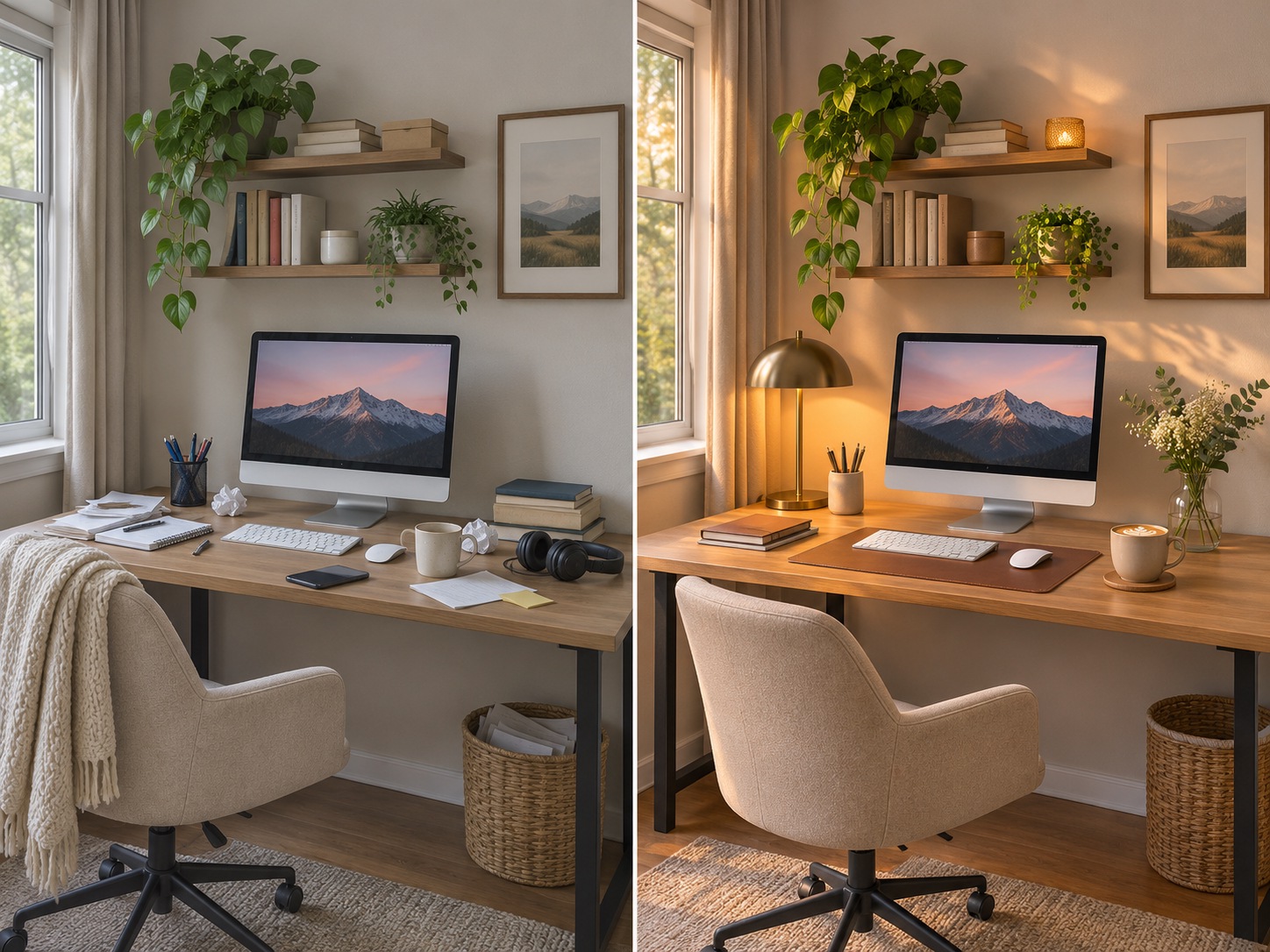 BeforeAfter
Keep improving your result with follow-up edits, from cleanup to lighting and finishing touches.
AI photo editing features
Use a task-specific tool or write your own instruction for a quick fix or creative transformation.
Create a subject cutout, then choose a studio color, preset scene, or your own background photo.
Open Photo Background Changer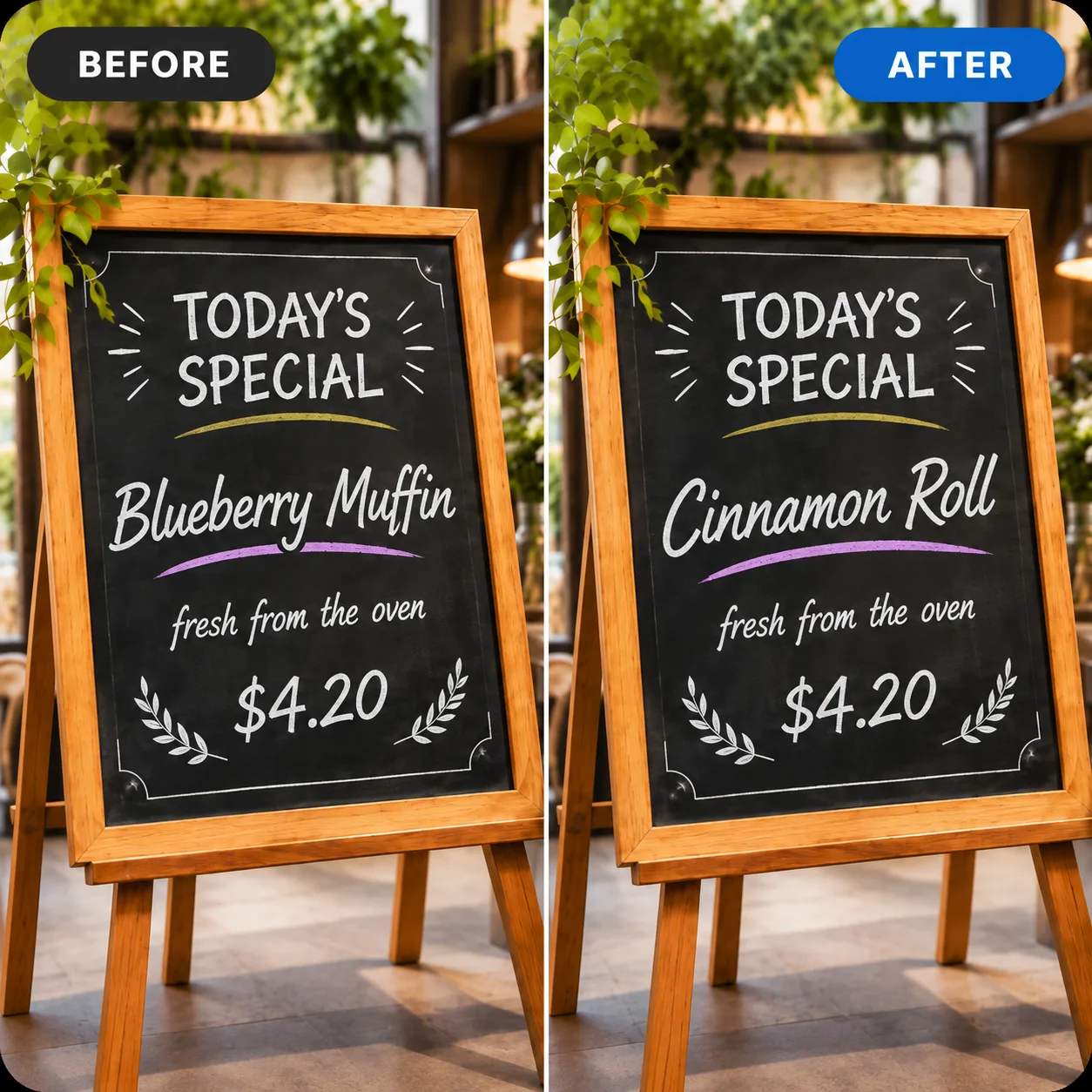
Change lettering already baked into a photo by describing the new words. AI redraws the text while keeping the rest of the image.
Open Photo Text Editor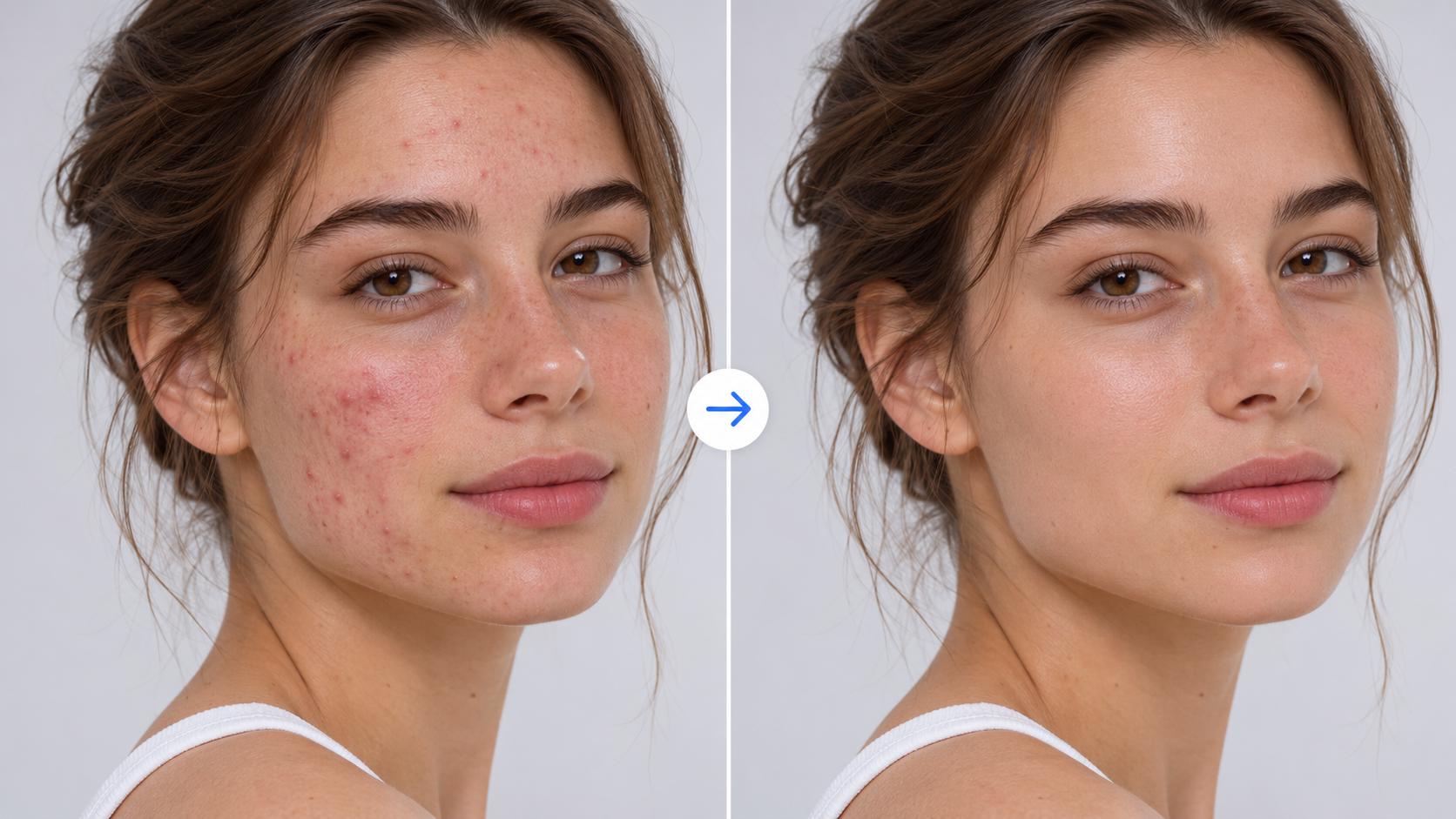
Ask for subtle skin cleanup, softer lighting, or a polished headshot while keeping the person recognizable.
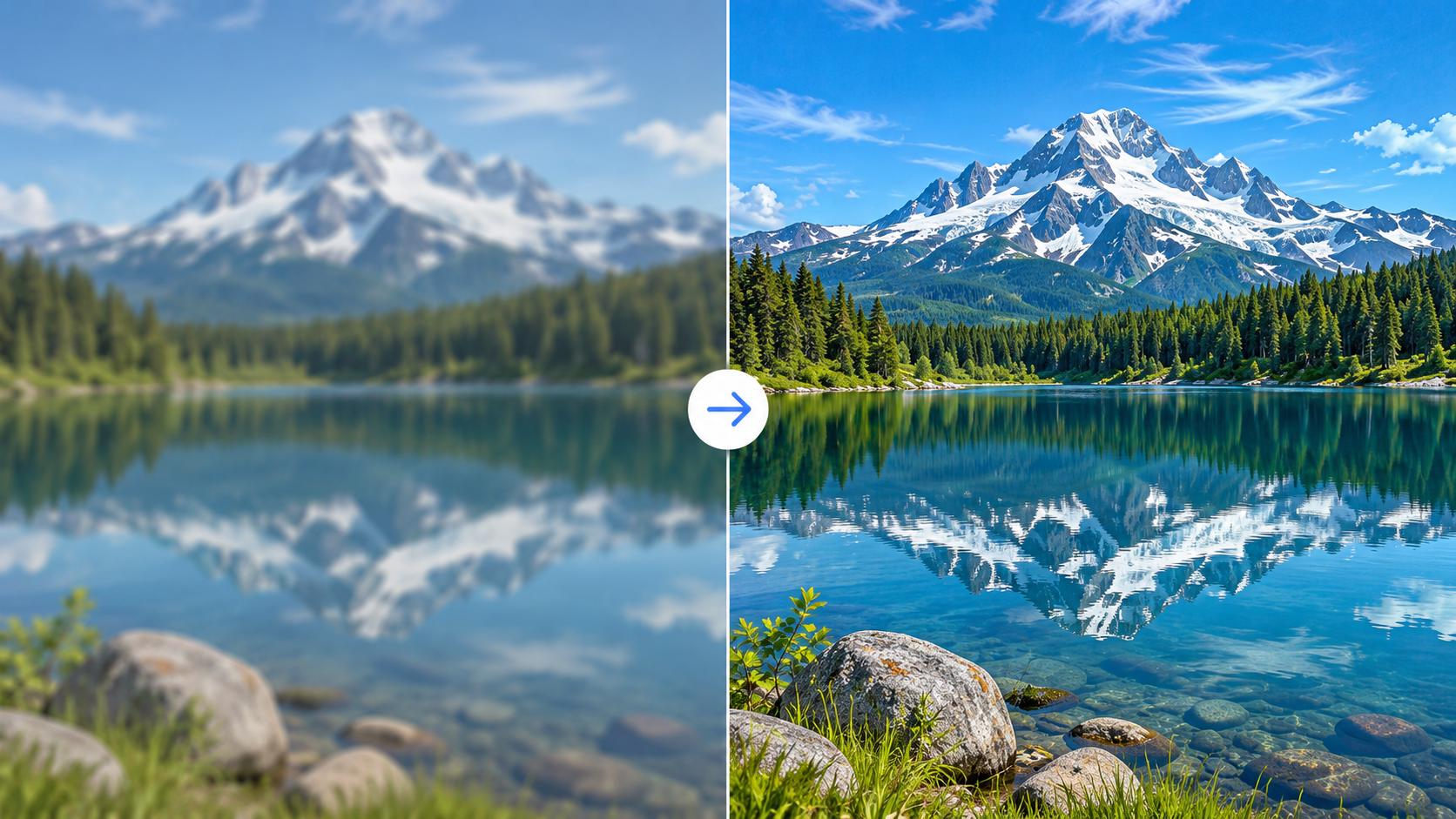
Improve apparent clarity, lighting, and colors. Generative edits cannot guarantee recovery of lost image details.
Open AI Photo Enhancer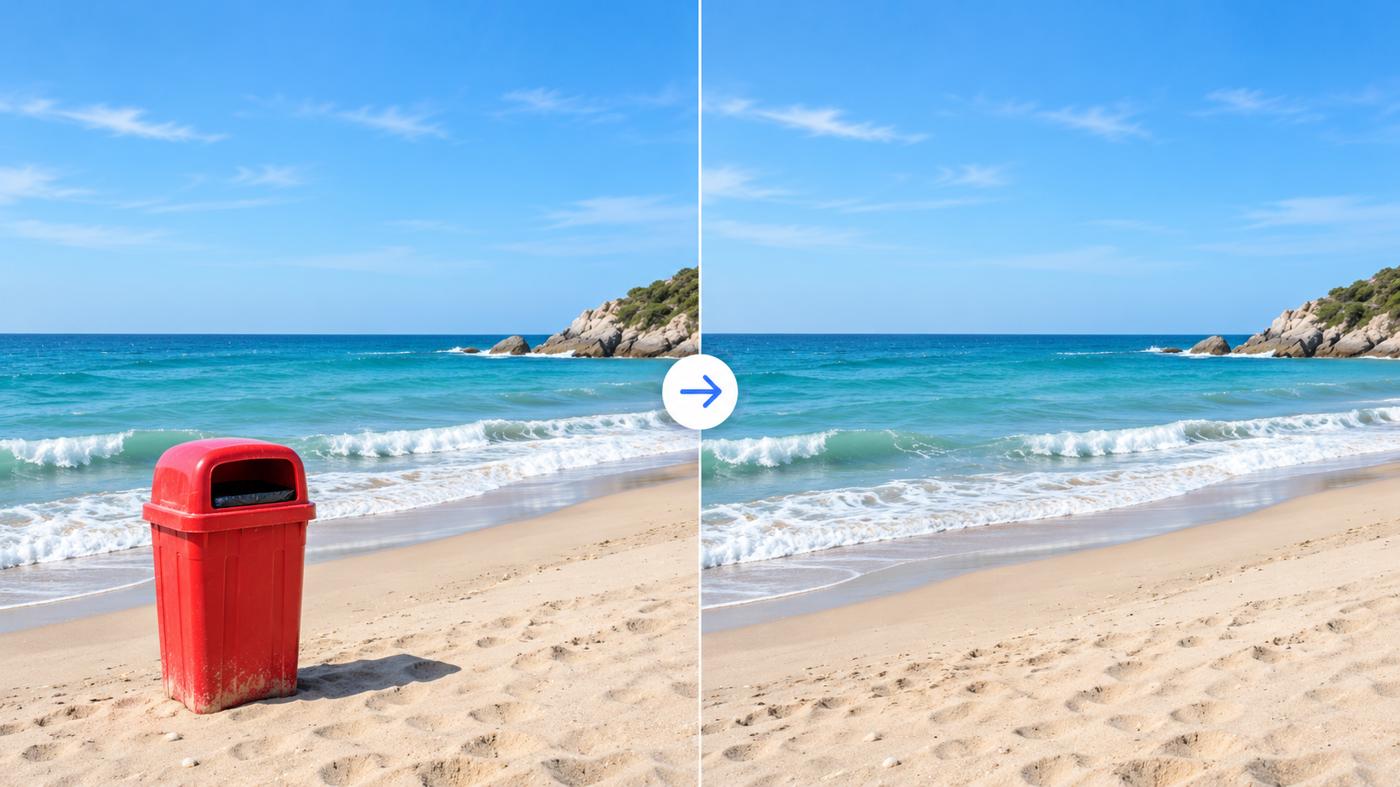
Remove an unwanted item or passerby and ask AI to reconstruct the surrounding background naturally.
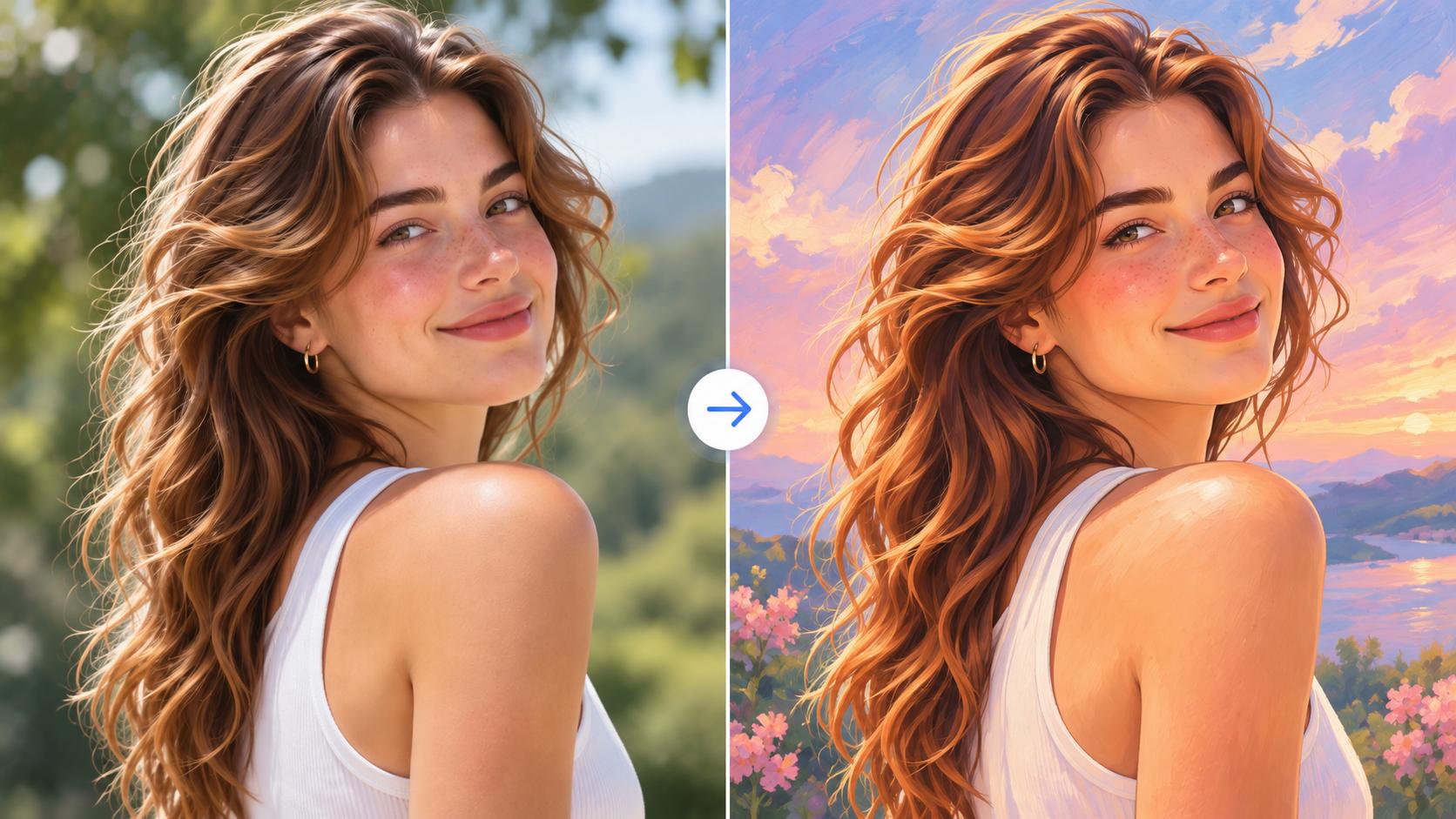
Describe cinematic light, a golden-hour mood, vintage color, or another creative look using plain words.
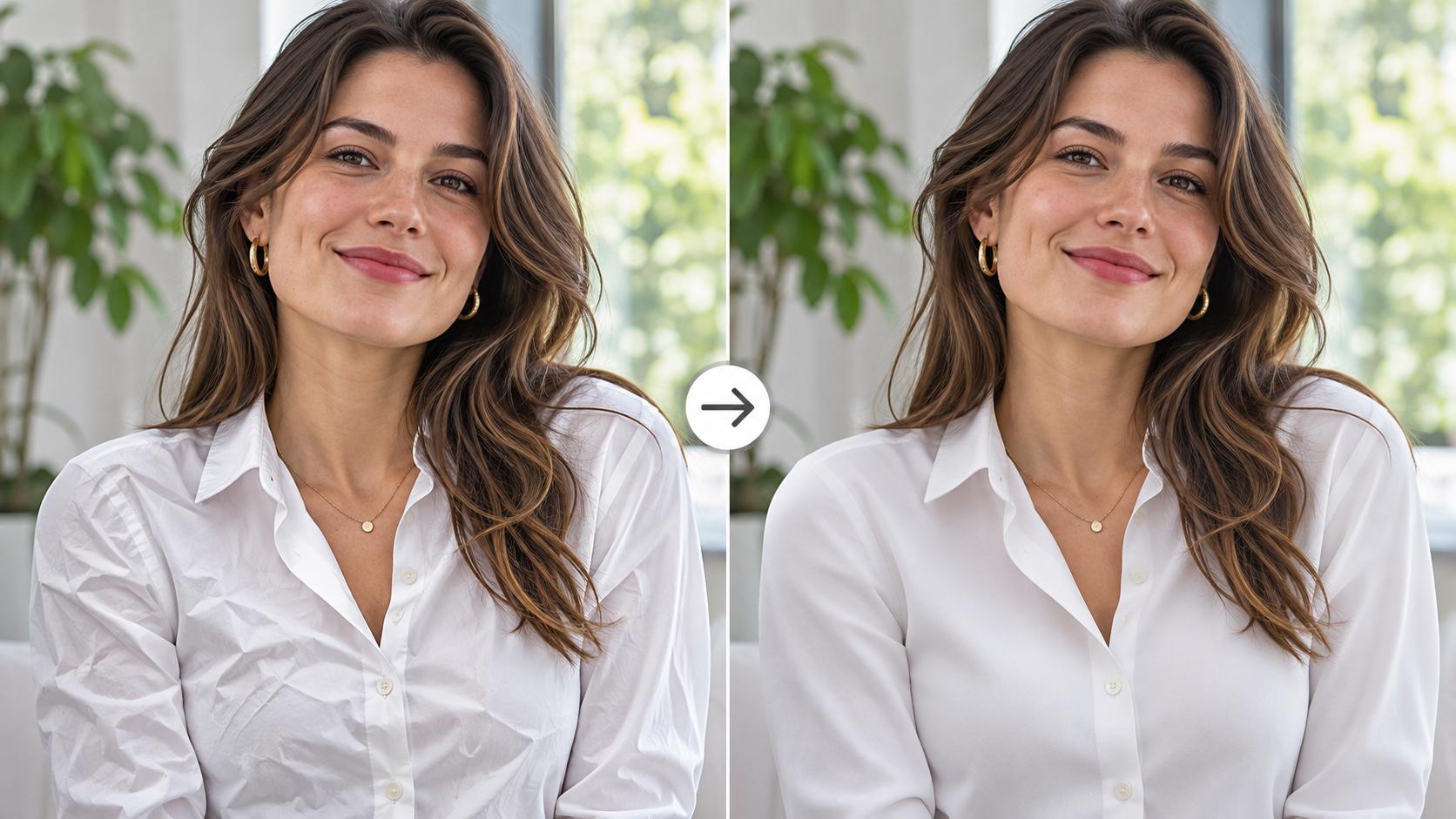
Smooth creases and wrinkles in shirts, dresses, or other garments while keeping the fabric texture, fit, and overall look natural.
Three steps to your edited image.
Choose a JPG, PNG or WebP image up to 10 MB. No account needed to start.
Try “remove the background”, “make it look like golden hour”, or “clear acne while keeping the face natural”.
Generate an edit with your free credits, inspect the result, then download or refine it. A medium-quality edit uses 10 credits. Sign in for 10 more credits and My Creations.
Use cases
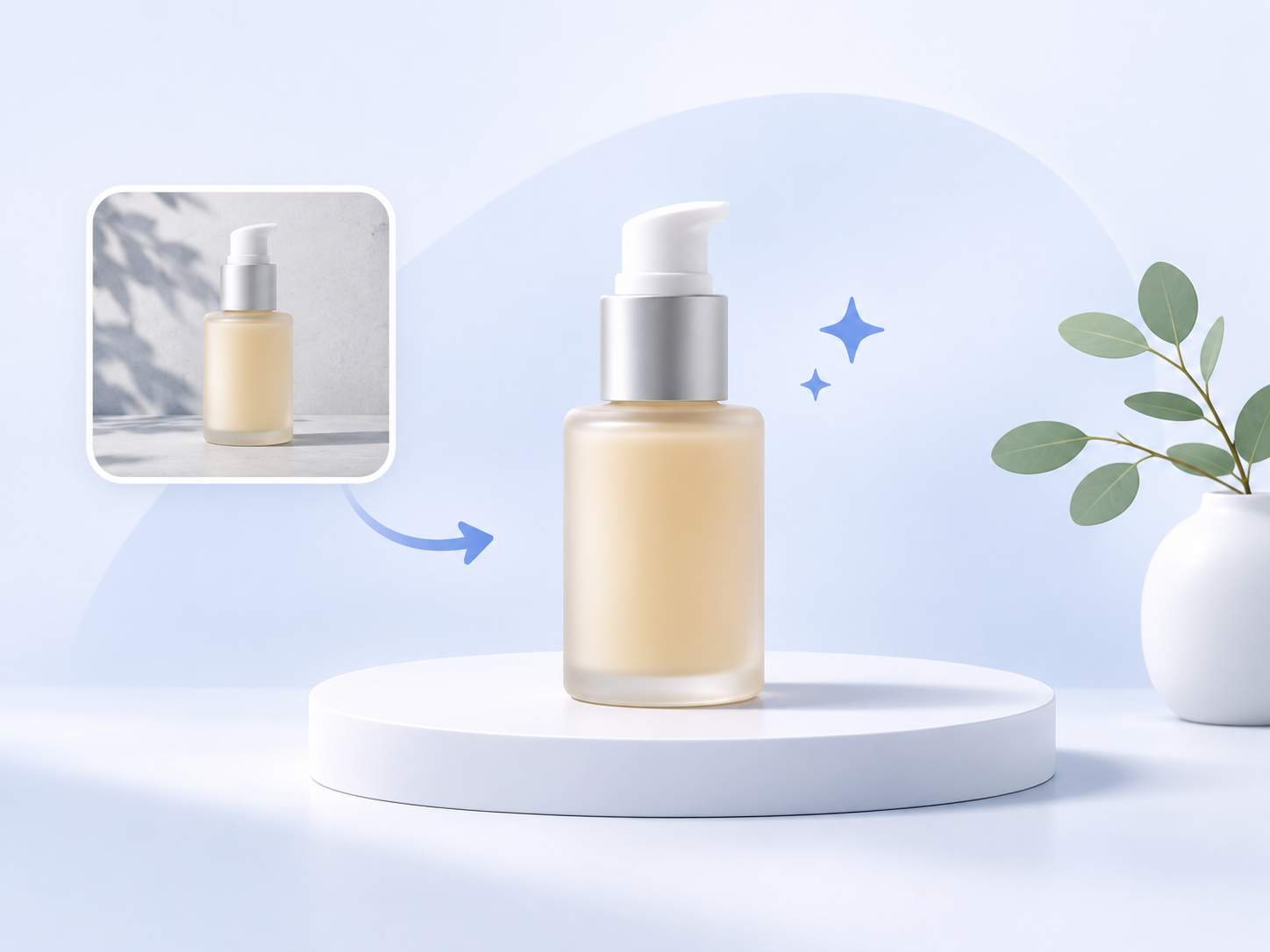
Prepare cleaner product backgrounds and more consistent-looking listing images with a simple description.

Refresh profile photos, social posts, and thumbnails without installing another app.
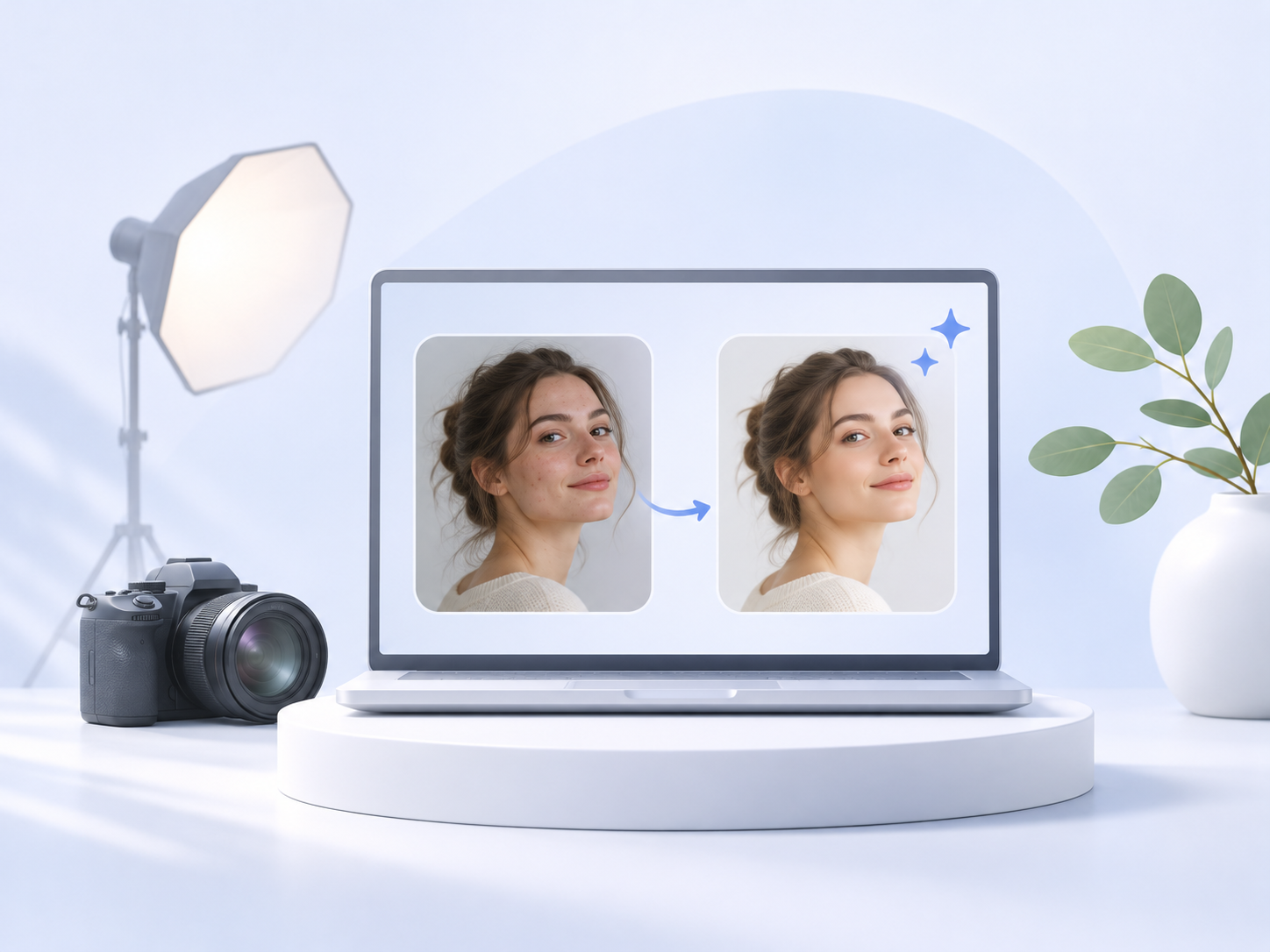
Experiment with object cleanup, skin retouching, and creative lighting, then review every detail.

Explore brighter interiors and sky changes. Keep listing images accurate and disclose material changes as required.
Simple pricing
Buy credits when you need them. No automatic subscription or surprise renewal.
For a quick photo project
One-time purchase
200 credits
20 medium-quality edits (10 credits). Credits vary by quality.
Credits valid for 365 days
Download and edit again
For frequent photo edits
One-time purchase
500 credits
50 medium-quality edits (10 credits). Credits vary by quality.
Credits valid for 365 days
Download and edit again
For bigger creative projects
One-time purchase
1,200 credits
120 medium-quality edits (10 credits). Credits vary by quality.
Credits valid for 365 days
Download and edit again
Credits depend on quality. A medium (standard) edit uses 10 credits; low uses fewer and higher qualities use more. Credits are added after payment is verified. Generated results may vary with your prompt.
Questions about AI photo editing online.
Yes to start. You get 10 free credits without signing in (enough for one medium-quality edit). Sign in and you get 10 more. A medium-quality edit uses 10 credits; other qualities use more or fewer. One-time credit packs are available when you need more.
Yes. Upload a photo, write a prompt, and generate with your 10 guest credits — no account required. Sign in anytime for 10 more credits and to keep results in My Creations.
Yes. Use a modern browser on iPhone, Android, Mac, or Windows. No additional app installation is needed.
Before generation, your selected photo stays in your browser. When you generate, it is uploaded for processing and the result is stored so you can access My Creations after signing in. We do not promise automatic deletion; see the Privacy Policy for data-handling information.
Before you generate, your selected photo stays in your browser. When you generate, it is sent securely for processing so we can return your edit. We use encryption in transit and access controls; see the Privacy Policy for details.
After generation, uploads and results are stored so signed-in users can reopen them in My Creations. We do not promise automatic deletion after a fixed period. Contact us if you want data removed sooner.
No. We use your photos only to generate the edits you request. We do not use your uploads or results to train AI models.
Yes. You can request deletion of your personal data, including uploaded and generated photos, through your account settings or by emailing support@getaiphotoeditor.com.
Yes. If an edit fails or is canceled, the credits used for that job are restored to your balance automatically.
See our Privacy Policy for additional information about data handling.
Explore tools
Open a task-focused editor. Start with free credits. A medium-quality edit uses 10 credits; other qualities cost more or less.
Remove the background from a portrait or product photo and download a transparent PNG cutout. No manual masking needed.
Open toolRemove unwanted objects from photos with a plain-language prompt. Reconstruct backgrounds naturally, then review edges and shadows before you download.
Open toolCut out the original subject with AI, then place it over a solid color, preset scene or your own background photo.
Open toolEnhance lighting, clarity, and colors with a simple AI prompt. Aim for natural-looking results and always compare details before downloading.
Open toolChange words already baked into a photo by describing the new lettering. AI redraws the text while keeping the rest of the image.
Open tool