 Get AI Photo Editor
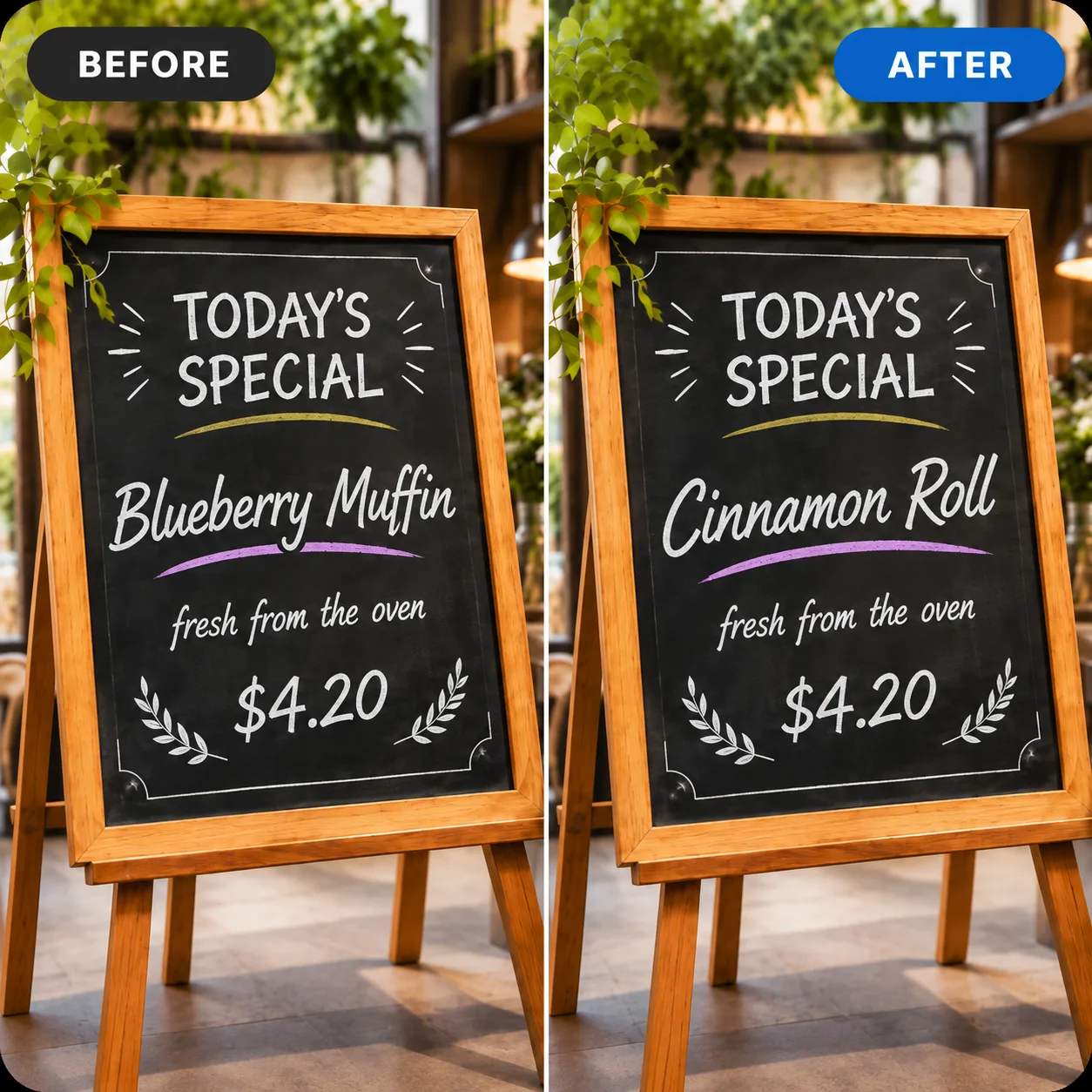
Example 01
Menu board
Blueberry Muffin → Cinnamon Roll, same chalk lettering and board texture.
Use this photo text editor to edit text in an image by describing the change. AI redraws the lettering while the rest of the picture stays put. Start with 10 free credits — no sign-up.
Click to upload or drag your image here
Your photo stays in your browser until you generate.
10 free trial credits · GPT Image 2.6 · Medium
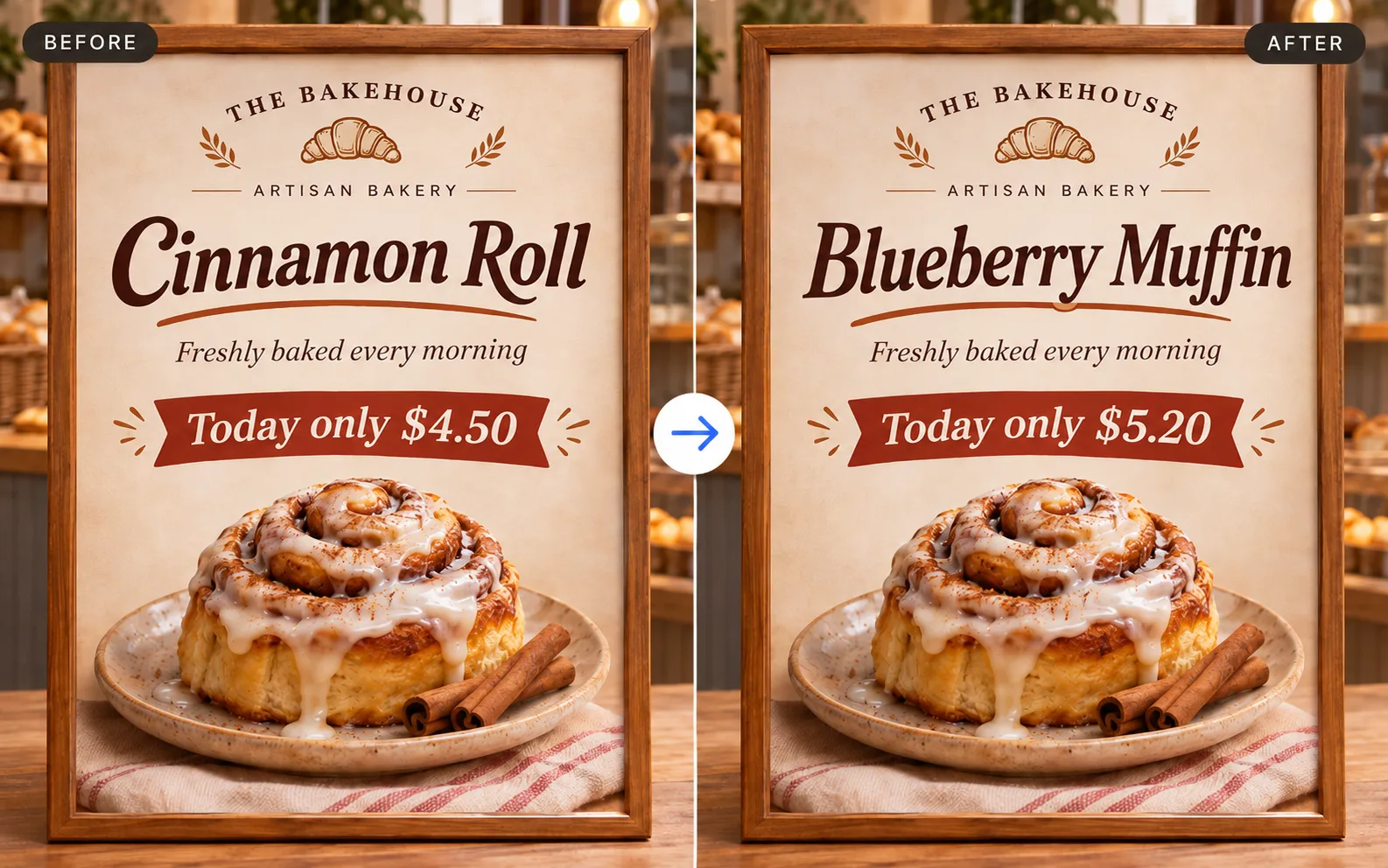
Upload a photo with text to replace this example.
Same photo, new lettering — the subject, lighting and layout stay put.
Example 01
Blueberry Muffin → Cinnamon Roll, same chalk lettering and board texture.
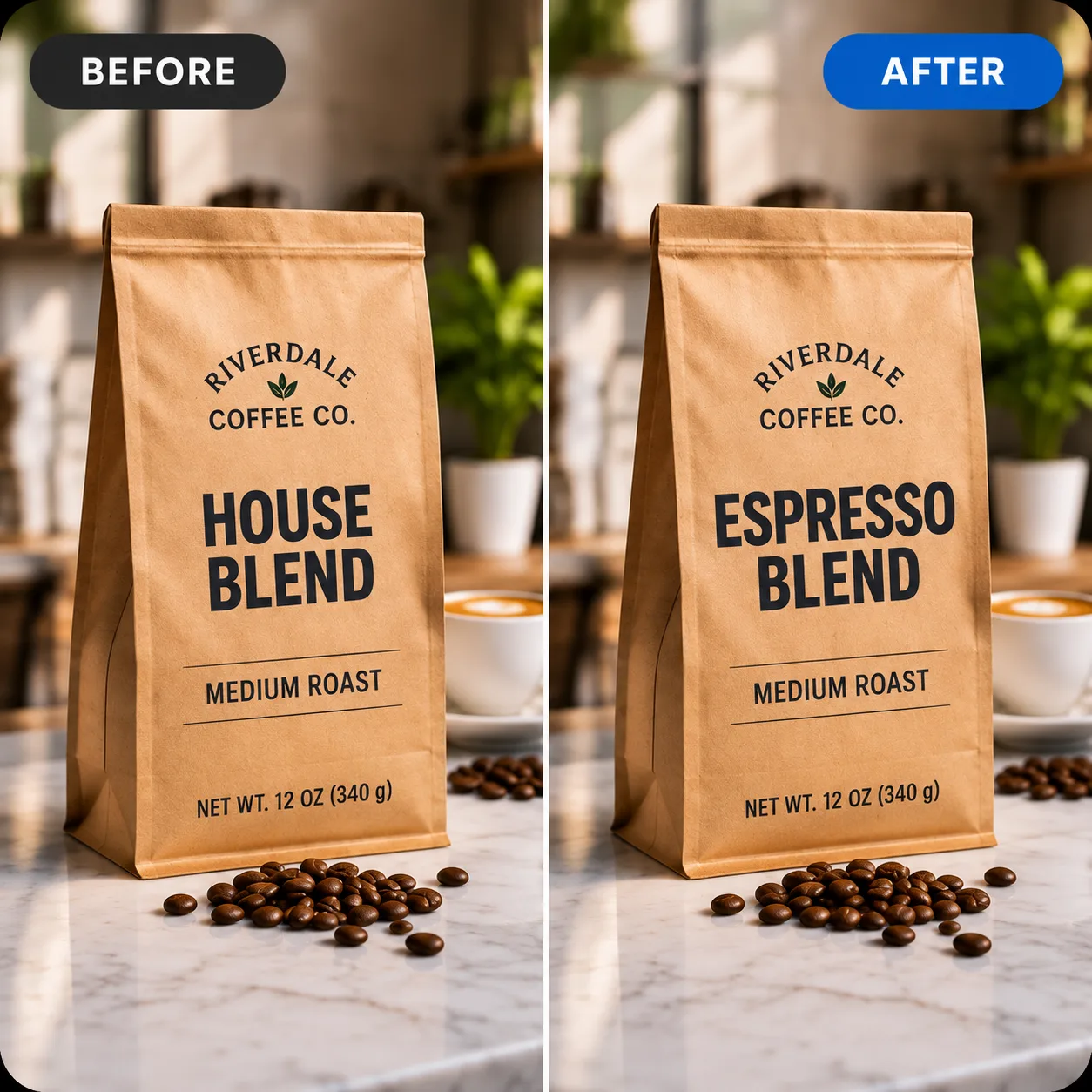
Example 02
House Blend → Espresso Blend, bag design and beans unchanged apart from the words.
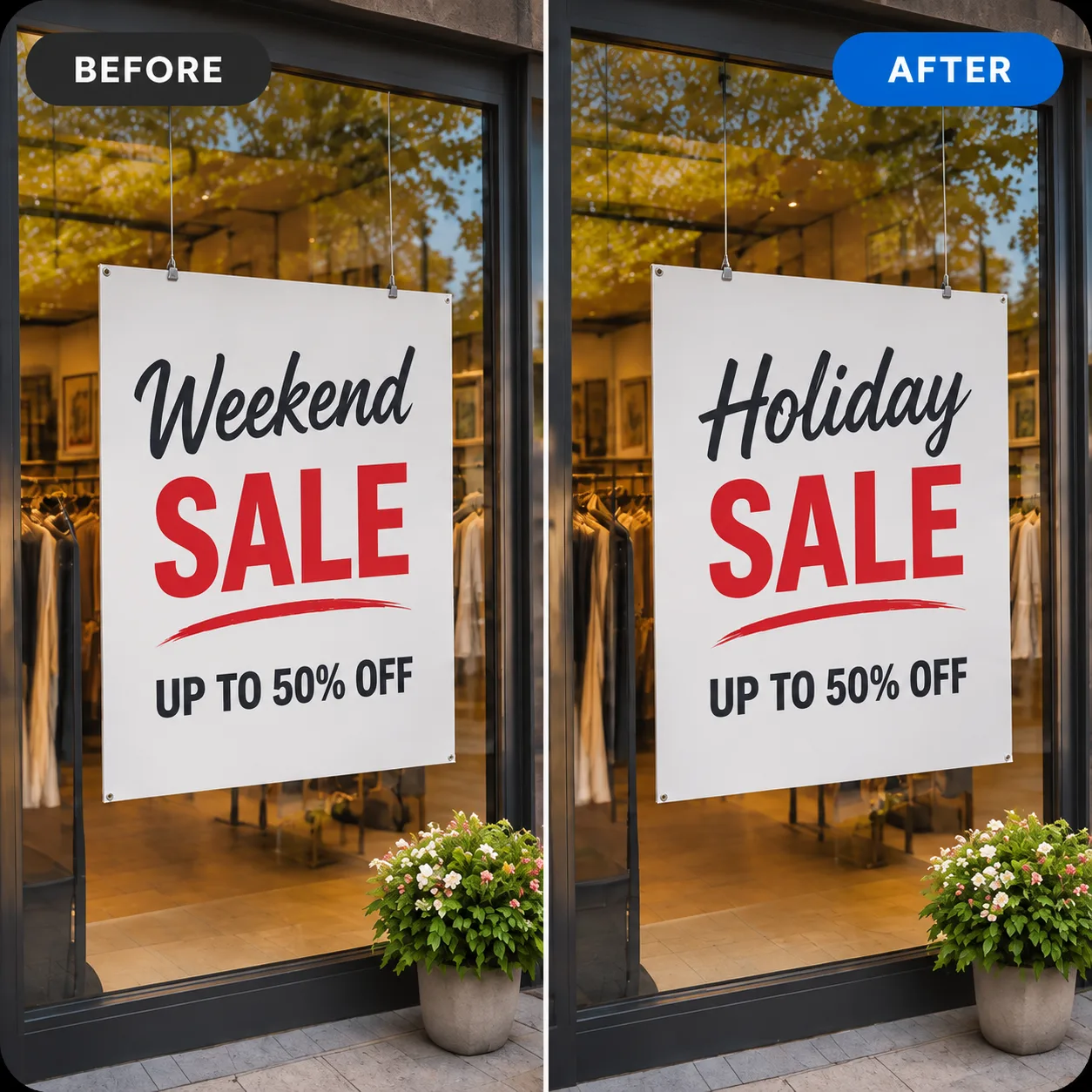
Example 03
Weekend → Holiday on the sale sign, window display and reflections unchanged.
Three simple steps
01
Choose a JPG, PNG or WebP file up to 10 MB. Screenshots, product shots, menu photos and phone pictures all work, as long as the text is already part of the image rather than a separate text layer.
02
Quote the new words exactly and say what should not move. Putting the new words in quotation marks matters — it tells the model exactly what to letter, instead of paraphrasing it.
03
Run the edit (a medium-quality edit uses 10 credits), then zoom in on the text before you download. Look at three things: letter shapes, spacing, and whether the background behind the words was rebuilt cleanly. If something is off, run a follow-up edit on the same image rather than starting over.
The point of editing text this way is that nothing else should change. The subject, the lighting, the perspective and the surrounding product all stay where they were, because only the region around the words is regenerated.
That is what separates this from painting over text in a photo editor: there is no patch of flat colour left behind, no mismatched rectangle over a curved label, and no separate layer to keep track of. You describe the change, the model reconstructs the area behind and around the new lettering.
Everyday use cases
Update a flavour name, a size, a net weight or a model number on a packaging shot without reshooting the product.
Fix a typo on a printed menu, translate a storefront sign for another market, or move a date on an event poster.
Refresh the headline baked into an old thumbnail or story graphic instead of rebuilding the whole layout.
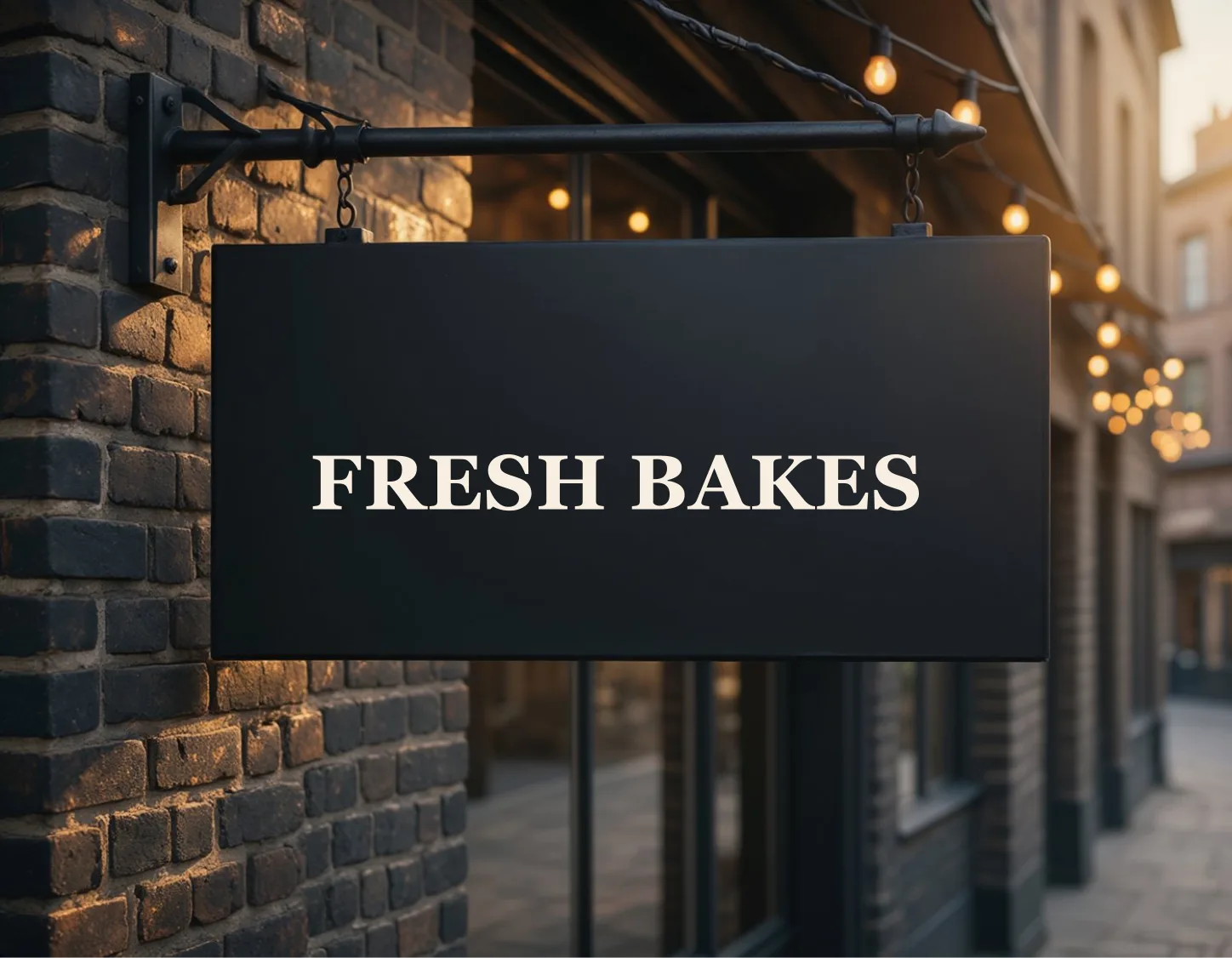
Change button labels or sample values in a product screenshot for a landing page or app store listing.
Take a photo shot for one campaign, swap the wording, and run it again — same image, new message.
These solve two different problems, and it is worth knowing which one you have:
| You want to | Use |
|---|---|
| Change words that are already part of the picture (printed on a label, painted on a sign, baked into a screenshot) | This page — describe the change |
| Lay new words on top of a photo (caption, watermark, headline over an image) | A design tool with a text layer, where you control font, size and position exactly |
If your text sits on its own layer in a design file, keep editing it there — you will get pixel-exact control. Use this tool when the words are already flattened into the pixels and you have no source file.
Text box / overlay
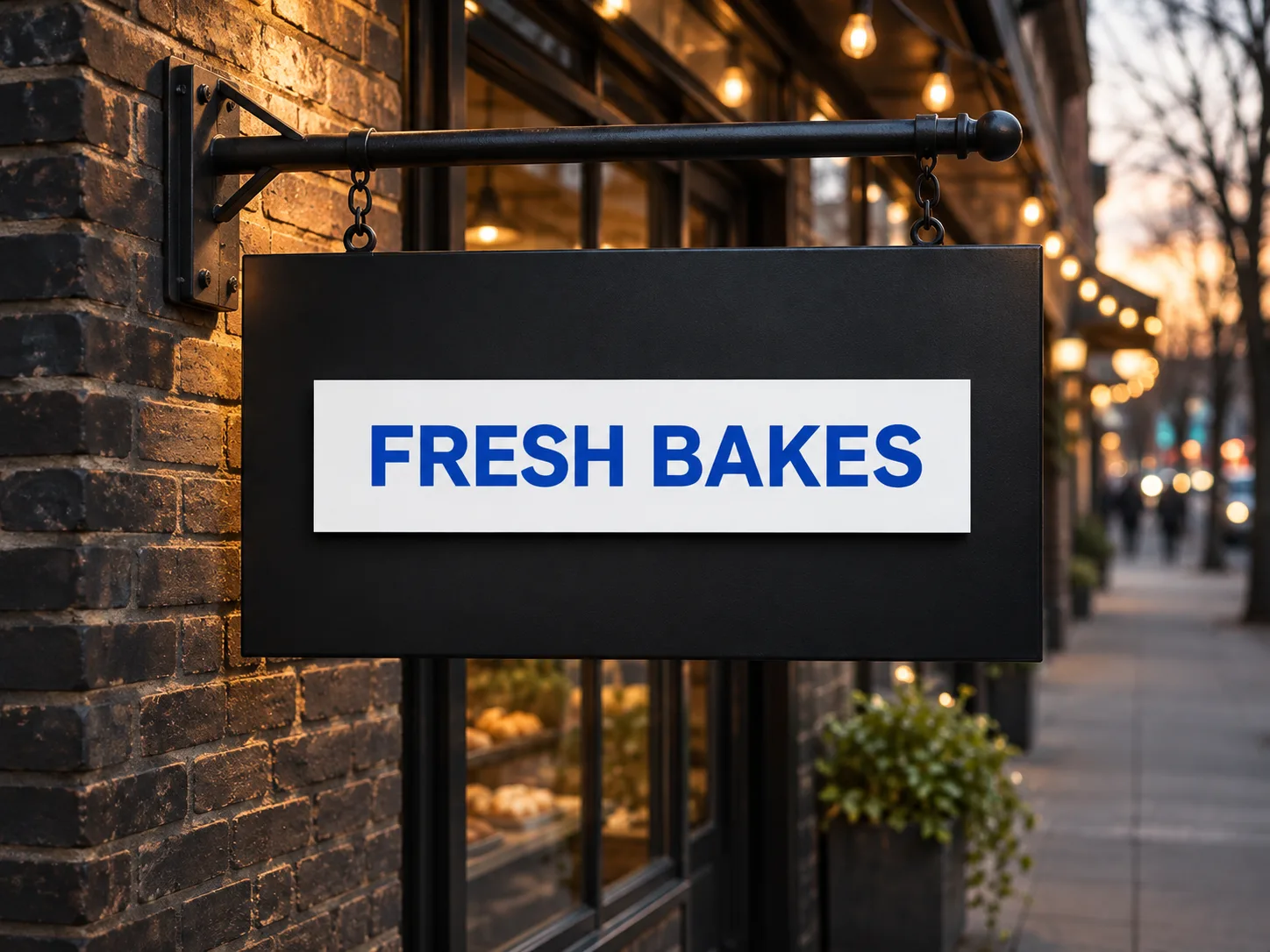
Edit text in image
Use this tool for product photos, marketing material, mockups and personal pictures. Do not use it to alter identity documents, receipts, invoices, licences, tickets or number plates, or to misrepresent what a product or document says. See our Acceptable Use Policy for the full list.
Yes to start. You get 10 free credits without signing in, which covers one medium-quality edit (10 credits). Sign in for 10 more, and one-time credit packs start at $4.99 for 200 credits — no subscription.
Yes. Everything runs in a modern browser on Mac, Windows, iPhone or Android. There is nothing to install and no masking or layer work.
It gets close, not identical. The model reads the style in the photo — weight, colour, slant, shadow — and redraws the words to match. For pixel-exact type you need the original design file.
If the page is a flat image, the text can be edited the same way as a photo, but we do not edit PDF text layers. And as above, documents such as IDs, receipts and invoices are not permitted.
Short strings usually do. Describe the language in your instruction (for example same menu, in Spanish) and check every character afterwards — dense scripts are the most common place for errors.
Yes, you can ask for words to be added (add the words "New" in the top-left corner), but position and size are described rather than dragged, so it suits rough placement more than layout work.
Your file stays in the browser until you generate. After that it is stored so you can reopen results in My Creations, it is not used to train models, and you can request deletion at any time. Details are in the Privacy Policy.
Upload a picture with text in it, describe the words you want instead, and compare before and after. 10 free credits, no sign-up, original file kept.
Looking for a different edit? Open the AI photo editor, browse AI photo editing tools, or read how to edit photos with AI.